3.
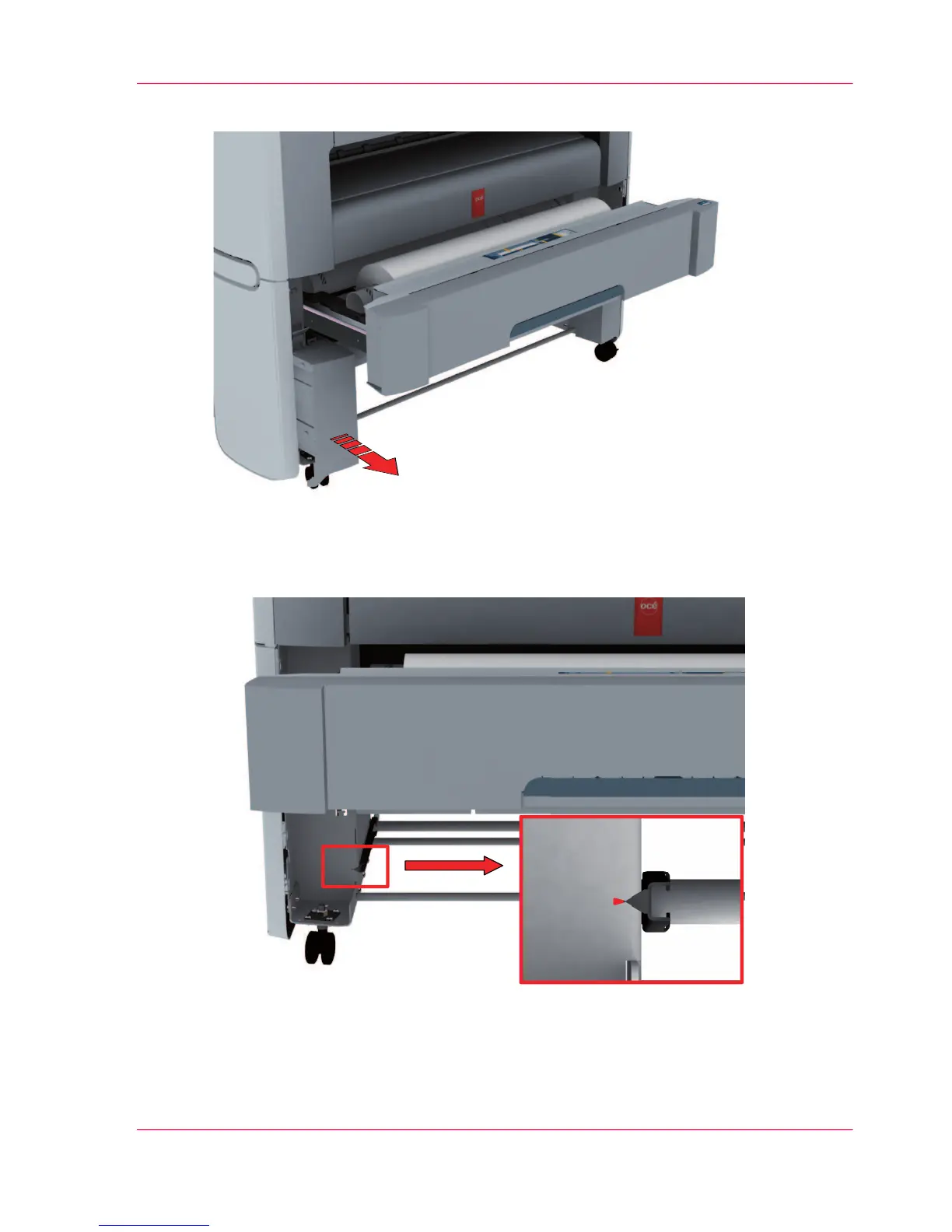
Slide the lower left front cover (1) to remove it.
4.
Check if the level indicator arrow is exactly on the middle of the marker.
If no, continue with step 5.
If yes, continue with step 9.
Chapter 6 - Maintain the printing system 235
Move and re-adjust the printing system












 To Next Page