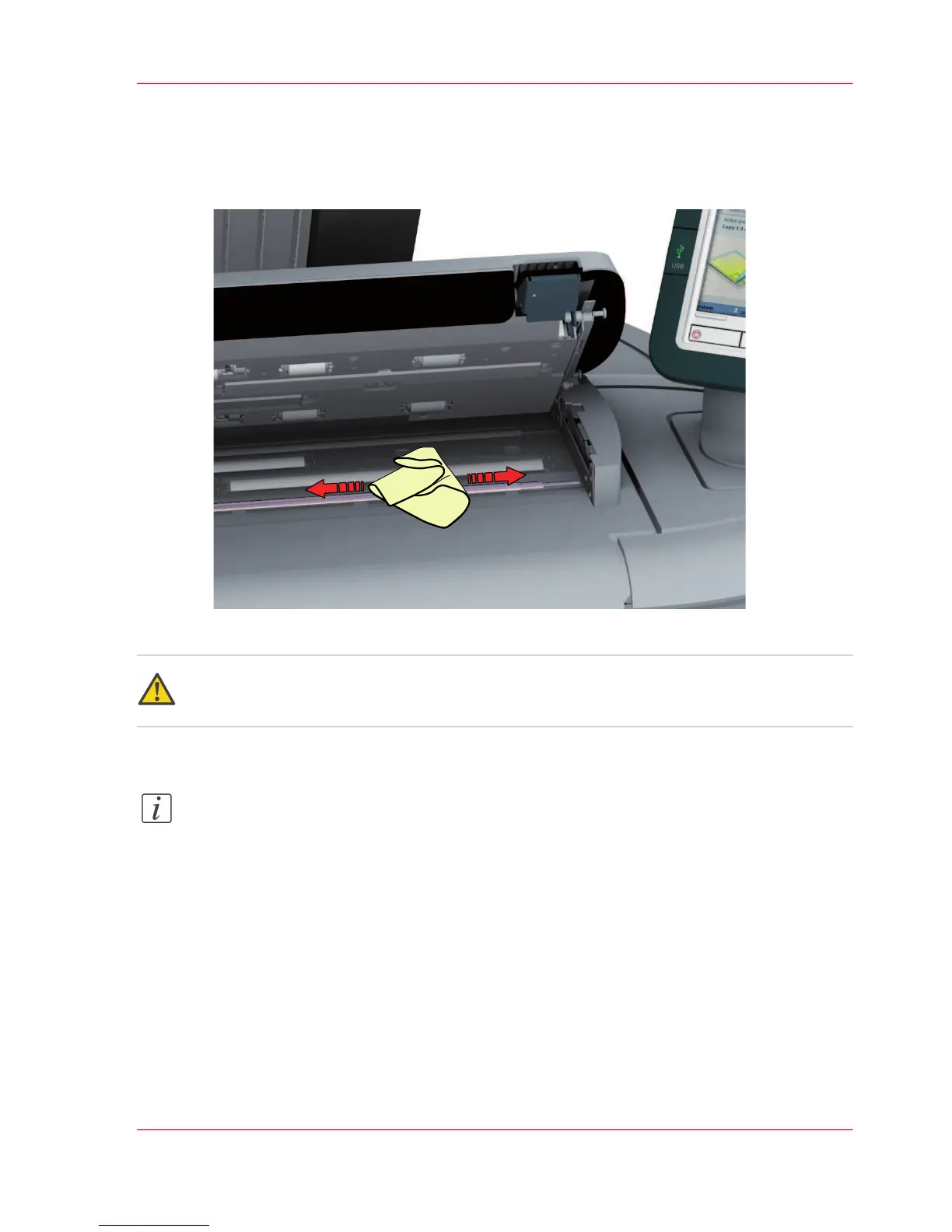
■
the original support rollers (6)
Rotate the rollers to clean them.
■
the transparent contact plates (9)
Wipe off any soiled areas.
3.
Wipe all the cleaned parts once again using a dry Masslin towel.
Caution:
Take care not to get your fingers caught in the scanner top cover.
4.
Press the scanner top cover down gently with both hands to close it.
Note:
Check that the left and right scanner open levers are locked into position.
Chapter 6 - Maintain the printing system 269
Clean the scanner












 To Next Page