Note:
If the material cannot be removed easily, you must open the upper back cover with the
media jam clearance handle to access to the jammed material. (see ‘Clear a media jam in
the fuser section’ on page 274).
4.
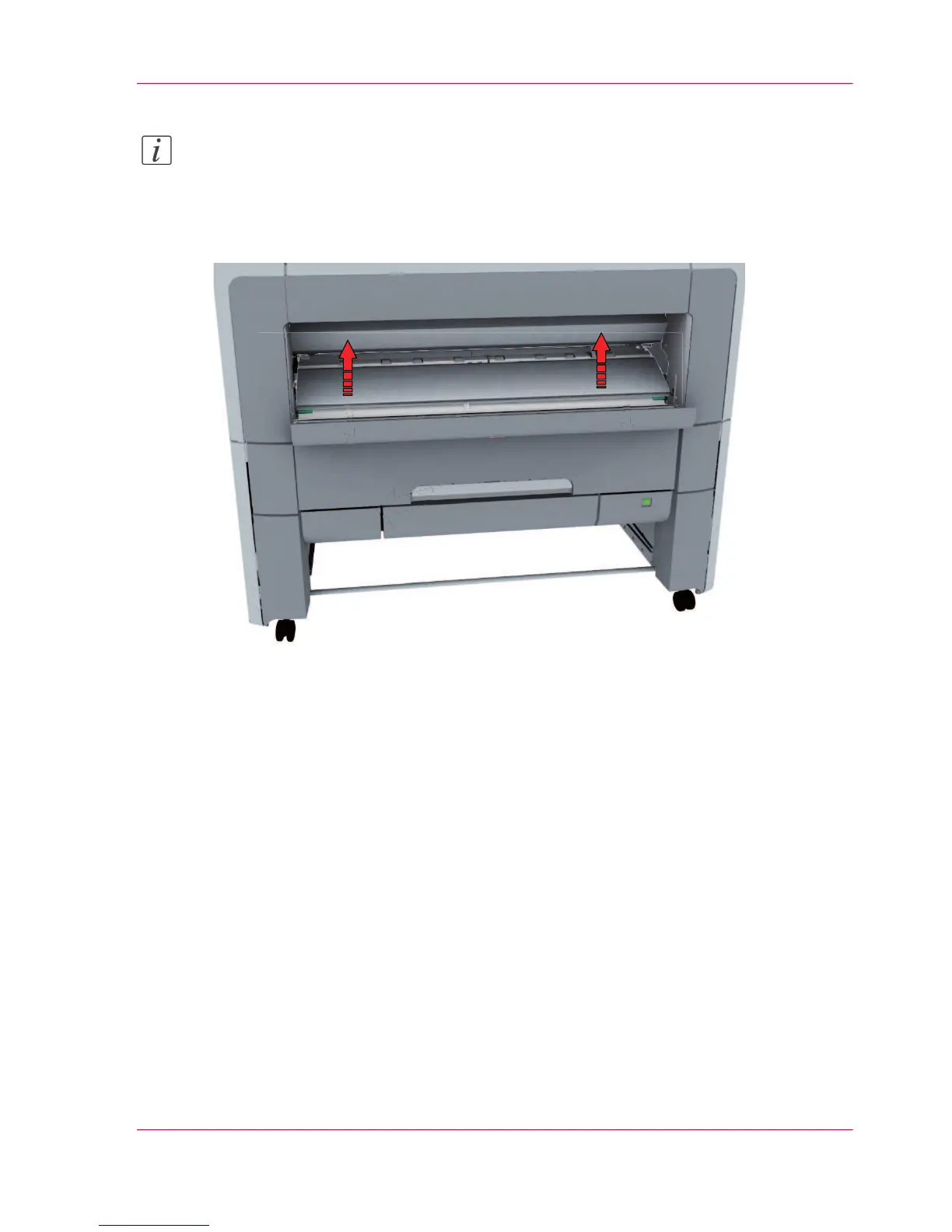
Pull up the media bypass.
5.
Close the lower front cover.
Chapter 7 - Solve problems 279
Clear a media jam in the media bypass section












 To Next Page