System maintenance 123
Illustration
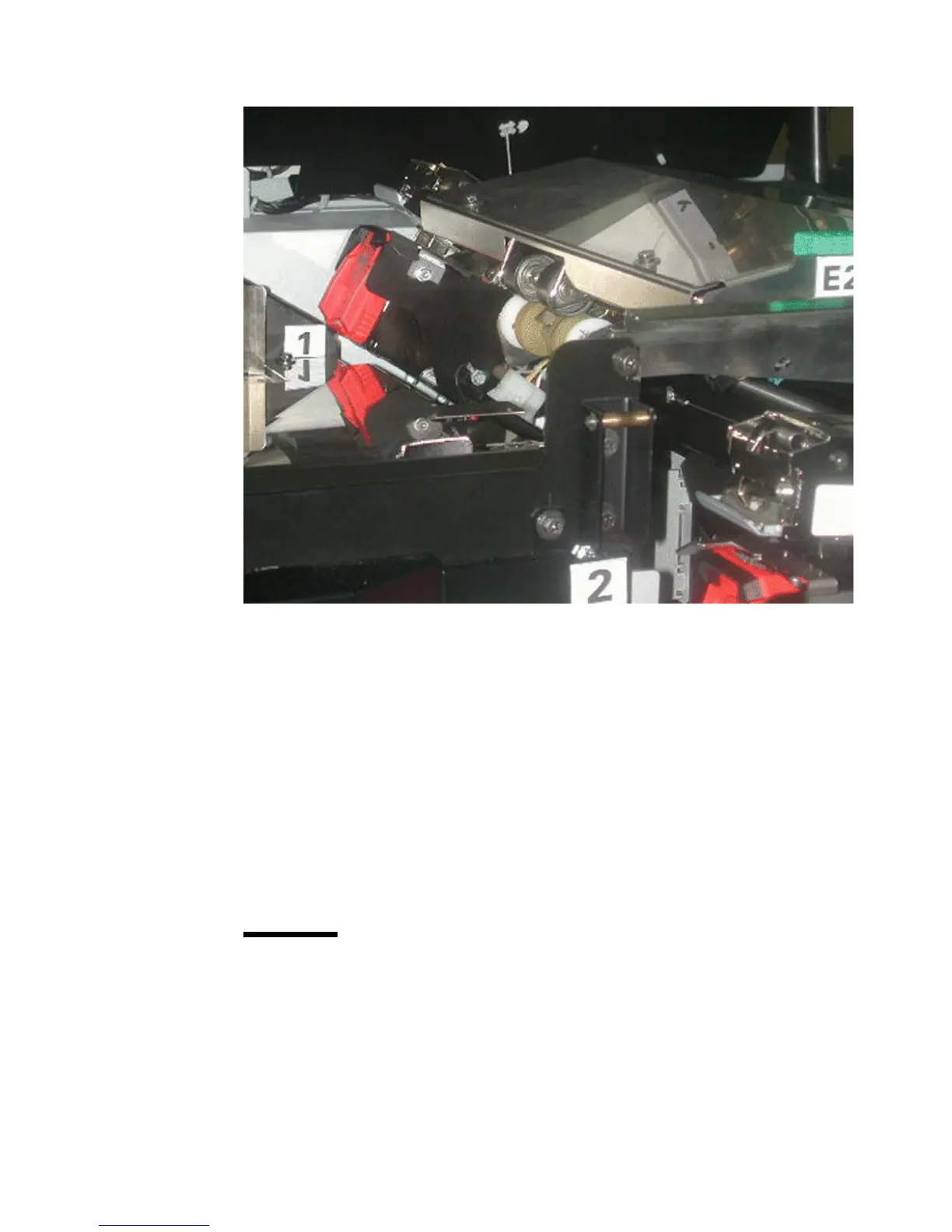
[64] Location of the on-line s taplers
[64] Location of the on-line staplers
How to access staplers 1 and 2
1
Open the front door of the finisher.
2 Open the top cover of the finisher.
3 Check if the staplers are aligned correctly.
Note: The staplers must be extended to the maximum position. If the staplers
are not in the correct position, stapler 1 is not accessible.
4 Close the top cover of the finisher if the staplers are not in the correct position.
5 Pull stapler 2 toward you until the stapler cannot go any further.
6 Open the top cover of the finisher again.
Note: Stapler 1 is accessible when the stapler cartridge is tilted upward.
Attention: When you open the front door and the top cover of the finisher,
look if the jaws of the staplers are open. If the jaws are not (completely)
open, you must close the top cover and the front door of the finisher and
wait 15 seconds. The Océ VarioPrint 2090 opens the jaws of the staplers.
Now you can remove the stapler cartridge.














 To Next Page