Printer configuration 91
The Océ VarioPrint 2090 Settings Editor enables you to generate and print a
summary of the downloaded and installed fonts. (see ‘Print and save the
configuration report’ on page 106)
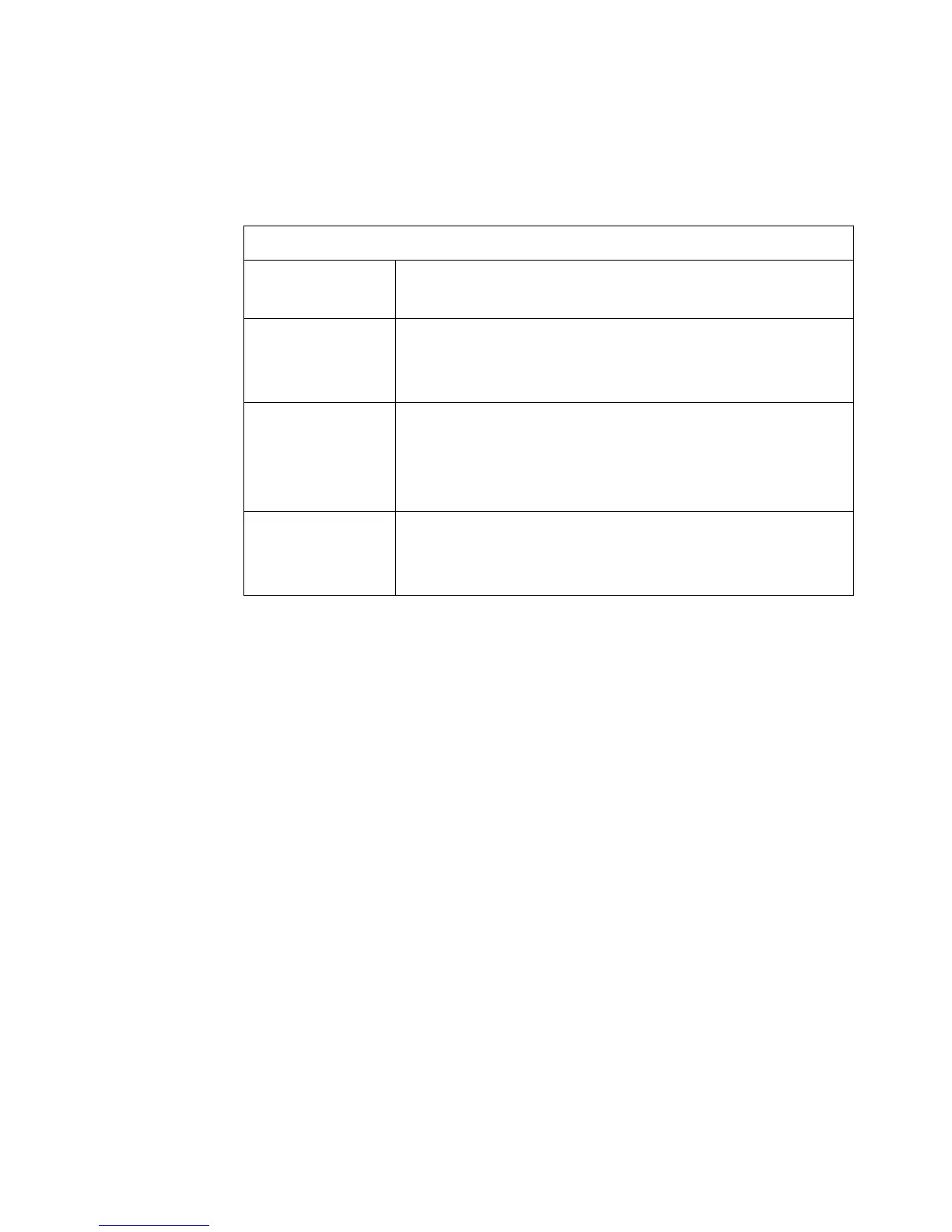
The following table lists the PostScript settings in the Océ VarioPrint 2090
Settings Editor:
[4] Explanation PostScri pt settings
[4] Explanation PostScript settings
PostScript settings
PostScript error
page
To print PostScript error pages or not when a PostScript
error occurs. Default: enable.
Staple To staple jobs or not. Possible values: no staple, corner
staple portrait, corner staple landscape, double staple.
Default: no staples.
Job time out Setting for the PostScript job time-out. This time-out is
the maximum rasterization time. An error page is
generated when the timer expires. Possible values:
0-65536 seconds. Default: 0 (Off)
Default media
format
Setting for the default paper size in print jobs. Possible
values: Foolscap/ A4/ Folio/ Letter/ Legal small/ Legal.
Default: A4.














 To Next Page