92 Océ VarioPrint 2090 Configuration and maintenance manual
Before you begin
Start the Océ VarioPrint 2090 Settings Editor in your web browser in the
system administrator mode (see ‘Access the Océ VarioPrint 2090 Settings
Editor in system administrator mode’ on page 12).
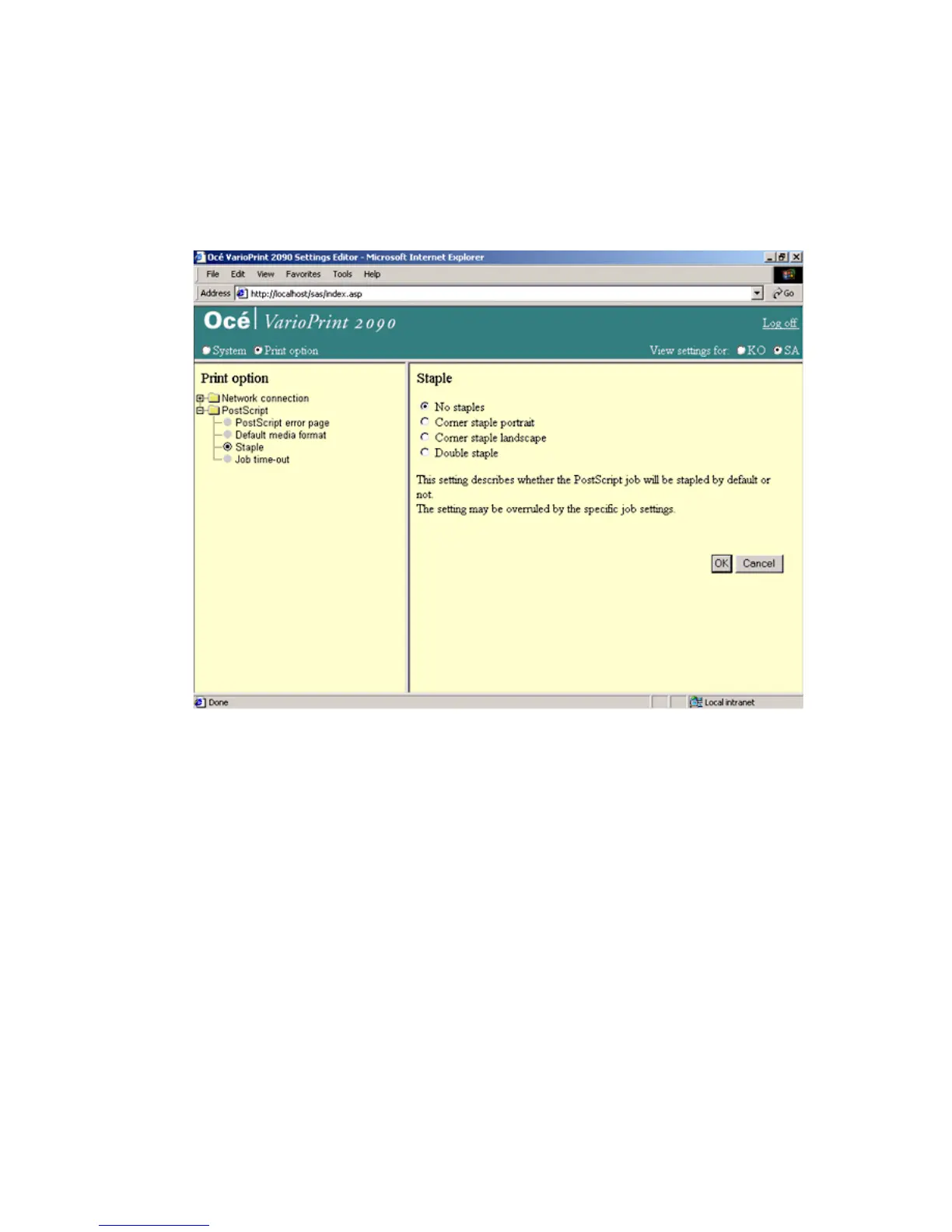
Illustration
[44] Example of a PostScript setti ng
[44] Example of a PostScript setting
How to adjust the PostScript settings
1
Select 'Print option' in the title bar of the Océ VarioPrint 2090 Settings Editor.
2 Click 'PostScript'.
3 Click the setting you need to change.
4 Select the options you need or enter the parameters.
5 Click the 'OK' button to apply the changes.














 To Next Page