Network printing from Macintosh using the BR-Script 3 driver
130
9
For Mac OS X 10.5.x 9
a Turn the power of the machine ON.
b From the Apple menu, choose System Preferences.
c Click Print & Fax.
d Click + button to add your machine.
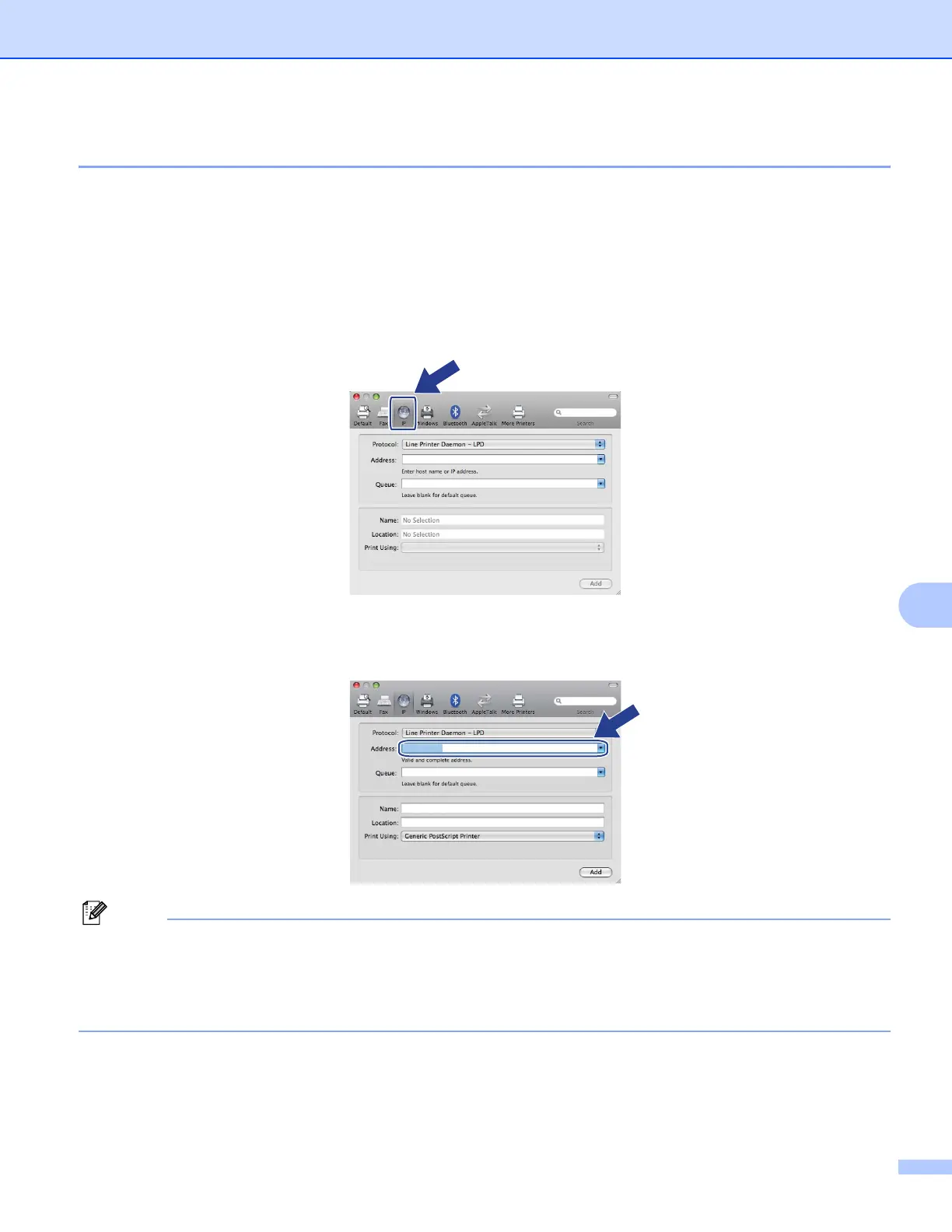
e Choose IP.
f Choose Line Printer Daemon-LPD from the Protocol list.
g Enter the IP address of the printer into the Address box.
Note
• The Network Configuration List will allow you to confirm the IP address. For more information on how to
print the configuration page, see Printing the Network Configuration List on page 119.
• When specifying the Queue Name (Queue), use the PostScript
®
service “BRNxxxxxxxxxxxx_AT” for
Macintosh. (“xxxxxxxxxxxx” is your machine’s MAC Address / Ethernet Address.)
brnXXXXXXXXXXXX_at
192.168.1.41
192.168.1.41














 To Next Page