Wireless configuration for Macintosh using the Océ installer application
65
5
Configure the wireless settings 5
a Plug the machine’s power cord into the AC power outlet. Turn on the machine’s power switch.
b Turn on your Macintosh.
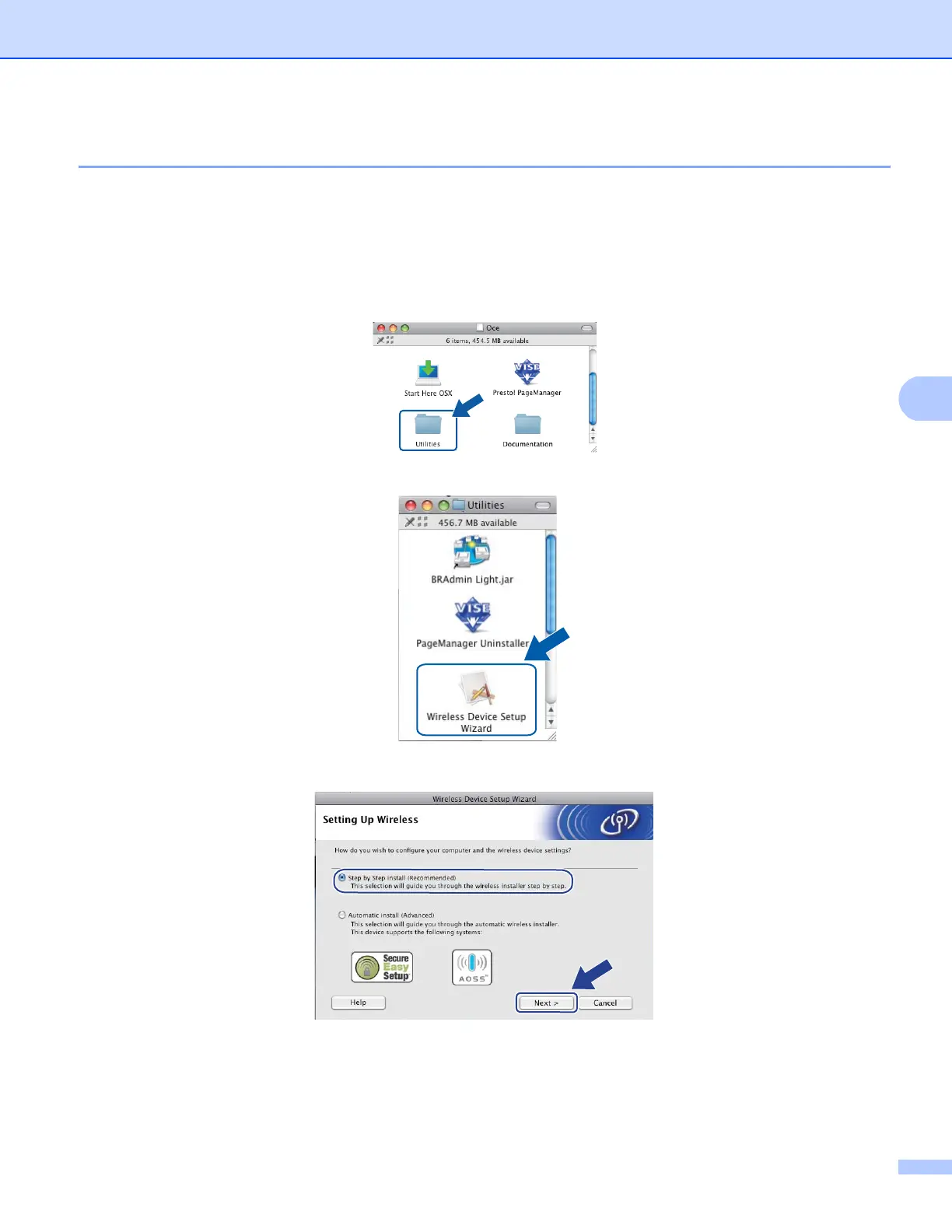
c Put the supplied CD-ROM into your CD-ROM drive. Double-click the Oce icon on your desktop.
d Double-click the Utilities icon.
e Double-click the Wireless Device Setup Wizard.
f Choose Step by Step install (Recommended) and then click Next.














 To Next Page