Wireless configuration for Windows
®
using the Océ installer application
46
4
Configuration using the automatic wireless setup
(SecureEasySetup™, AOSS™, etc.) mode from the control
panel menu
4
Before configuring the wireless settings 4
IMPORTANT
• If you are going to connect your machine to your network, we recommend that you contact your system
administrator prior to installation. You must know your wireless network settings before you proceed with
this installation.
• If you have previously configured the wireless settings of the machine, you must reset the network LAN
settings before you can configure the wireless settings again. Press Menu, 7, 0 for Network Reset,
press 1 for Reset and then choose 1 for Yes to accept the change. The machine will restart automatically.
Configure the wireless settings 4
a Plug the machine’s power cord into the AC power outlet. Turn on the machine’s power switch.
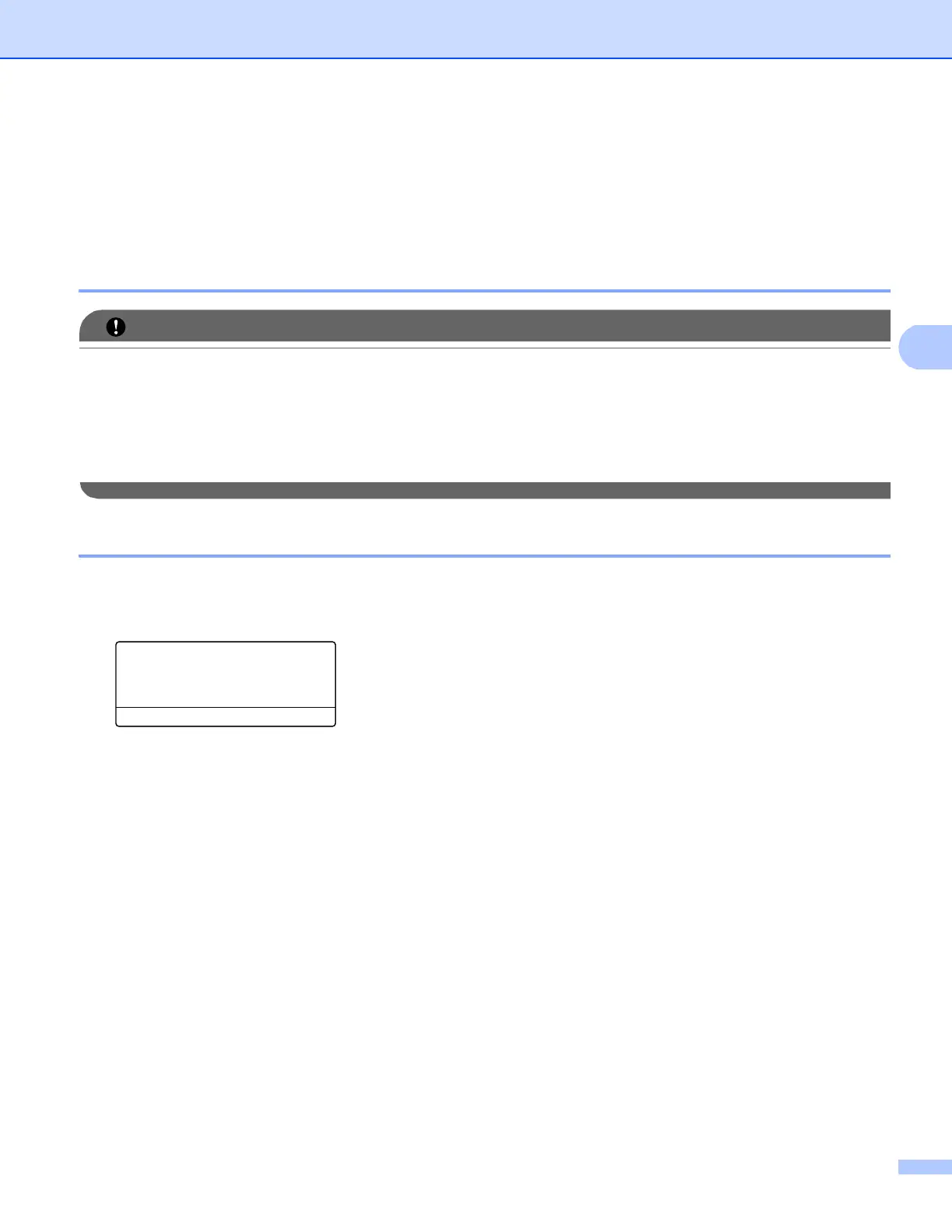
b Press Menu, 7, 2, 7. Using a or b, choose On and press OK.
72.WLAN
7.WLAN Enable
a On
b Off
Select ab or OK
c Turn on your computer.
Close any applications running before configuration.
d Put the supplied CD-ROM into your CD-ROM drive. The opening screen will appear automatically.
Choose your language.














 To Next Page