Wireless configuration for Windows
®
using the Océ installer application
47
4
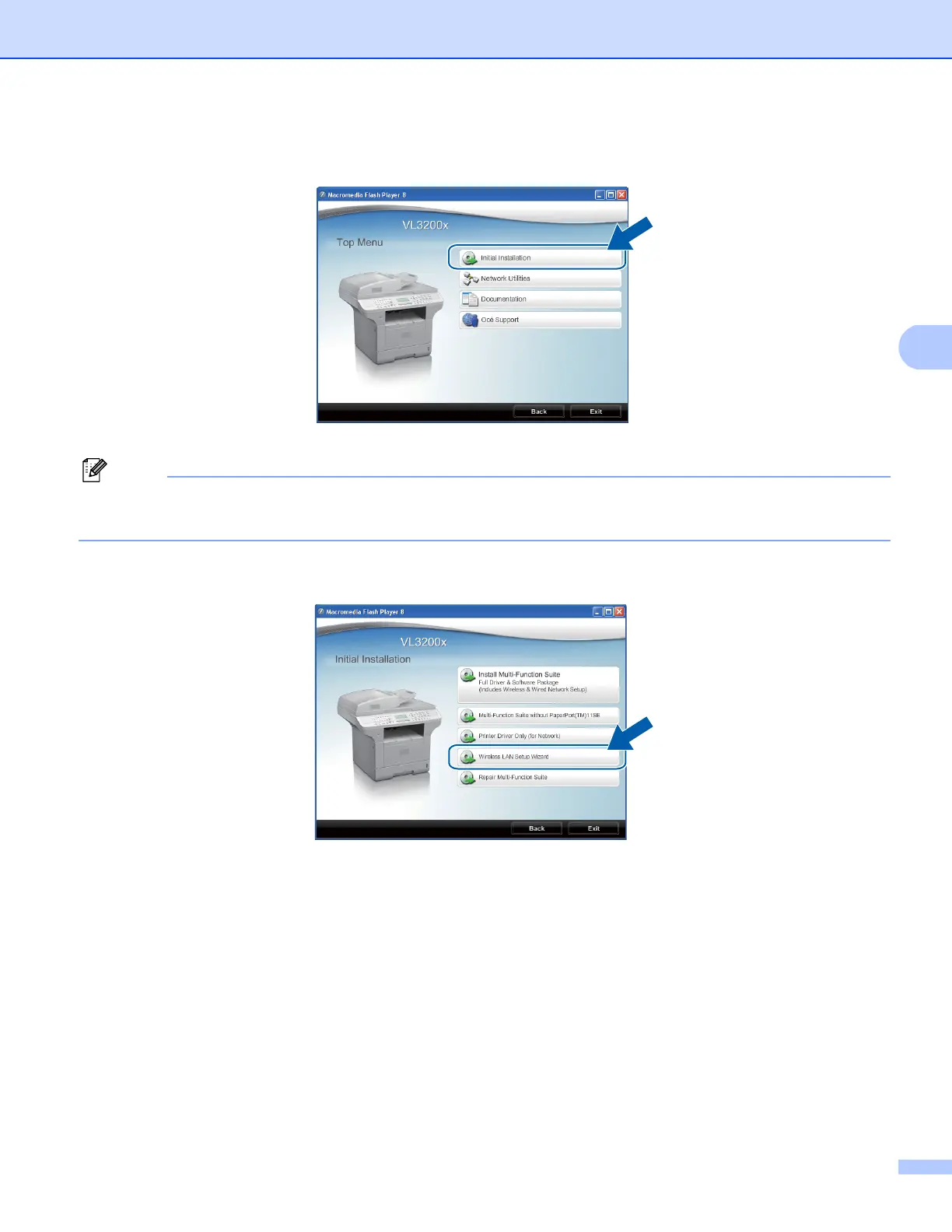
e The CD-ROM main menu will appear. Click Initial Installation.
Note
If this window does not appear, use Windows
®
Explorer to run the Start.exe program from the root folder
of the Océ CD-ROM.
f Click Wireless LAN Setup Wizard.














 To Next Page