Configuring your machine for a wireless network
26
3
Confirm your wireless network setup method 3
There are three methods to configure your wireless network machine. Use the machine’s control panel
(recommended), automatic wireless setup (SecureEasySetup™, AOSS™, etc.) from the control panel menu
or the Océ installer application. The setup process will be different depending on your network environment.
Configuration using the machine’s control panel Setup Wizard to configure
your machine for a wireless network 3
We recommend that you use the machine’s control panel to configure your wireless network settings. By
using the control panel Setup Wizard function, you can easily connect your machine to your wireless
network. You must know your wireless network settings before you proceed with this installation.
(See Using the Setup Wizard from the control panel on page 28.)
Configuration using the automatic wireless setup (SecureEasySetup™,
AOSS™, etc.) control panel menu (Infrastructure mode only) 3
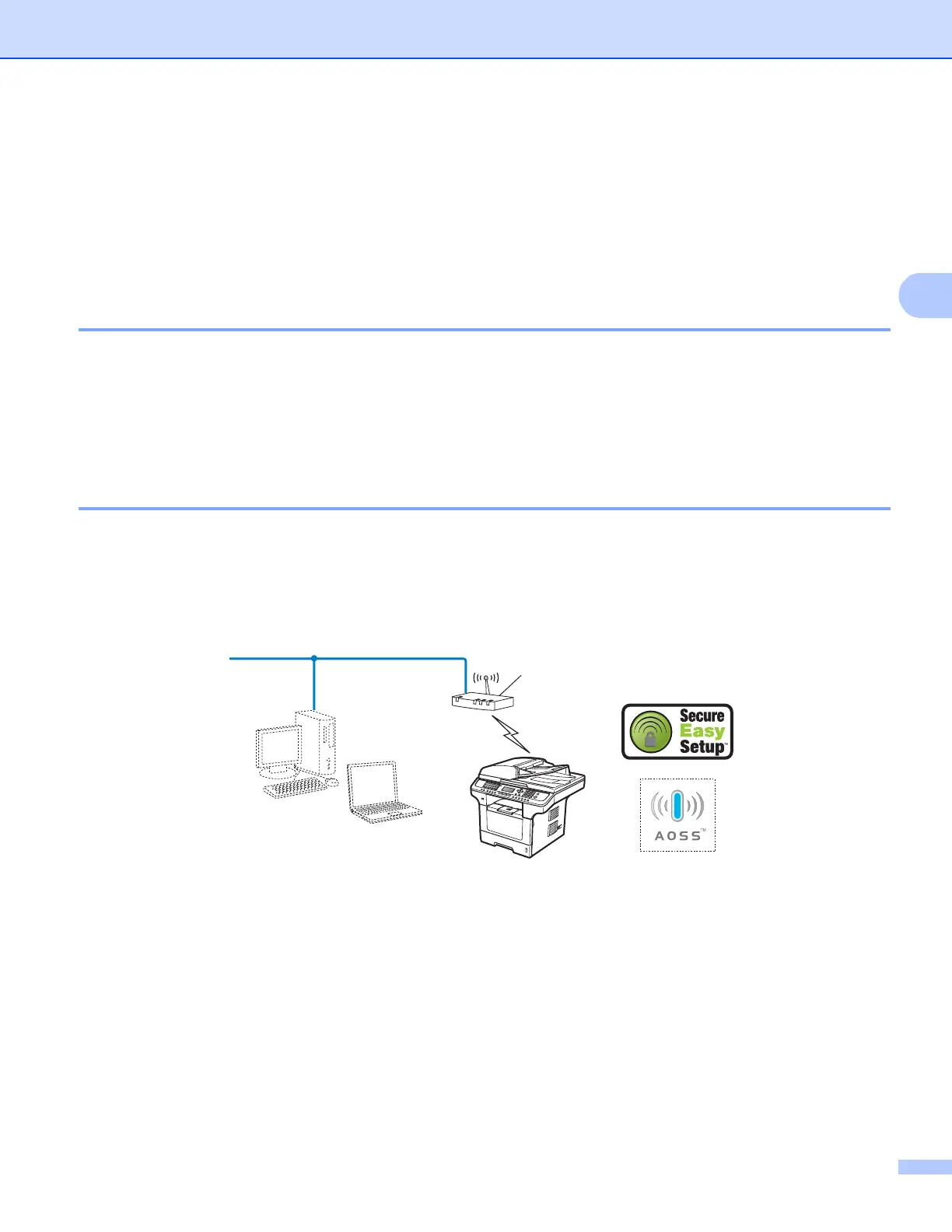
If your wireless access point (A) supports the automatic wireless setup (SecureEasySetup™, AOSS™, etc.),
you can configure the machine without a computer. (See Using the automatic wireless setup
(SecureEasySetup™, AOSS™, etc.) control panel menu to configure your machine for a wireless network
on page 33.)
A














 To Next Page