Wireless configuration for Macintosh using the Océ installer application
73
5
Configuration using the automatic wireless setup
(SecureEasySetup™, AOSS™, etc.) from the control panel
menu
5
IMPORTANT
• If you are going to connect your machine to your network, we recommend that you contact your system
administrator prior to installation.
• If you have previously configured the wireless settings of the machine, you must reset the network LAN
settings before you can configure the wireless settings again. Press Menu, 7, 0 for Network Reset,
press 1 for Reset and then choose 1 for Yes to accept the change. The machine will restart automatically.
a Plug the machine’s power cord into the AC power outlet. Turn on the machine’s power switch.
b Press Menu, 7, 2, 7. Using a or b, choose On and press OK.
72.WLAN
7.WLAN Enable
a On
b Off
Select ab or OK
c Turn on your Macintosh.
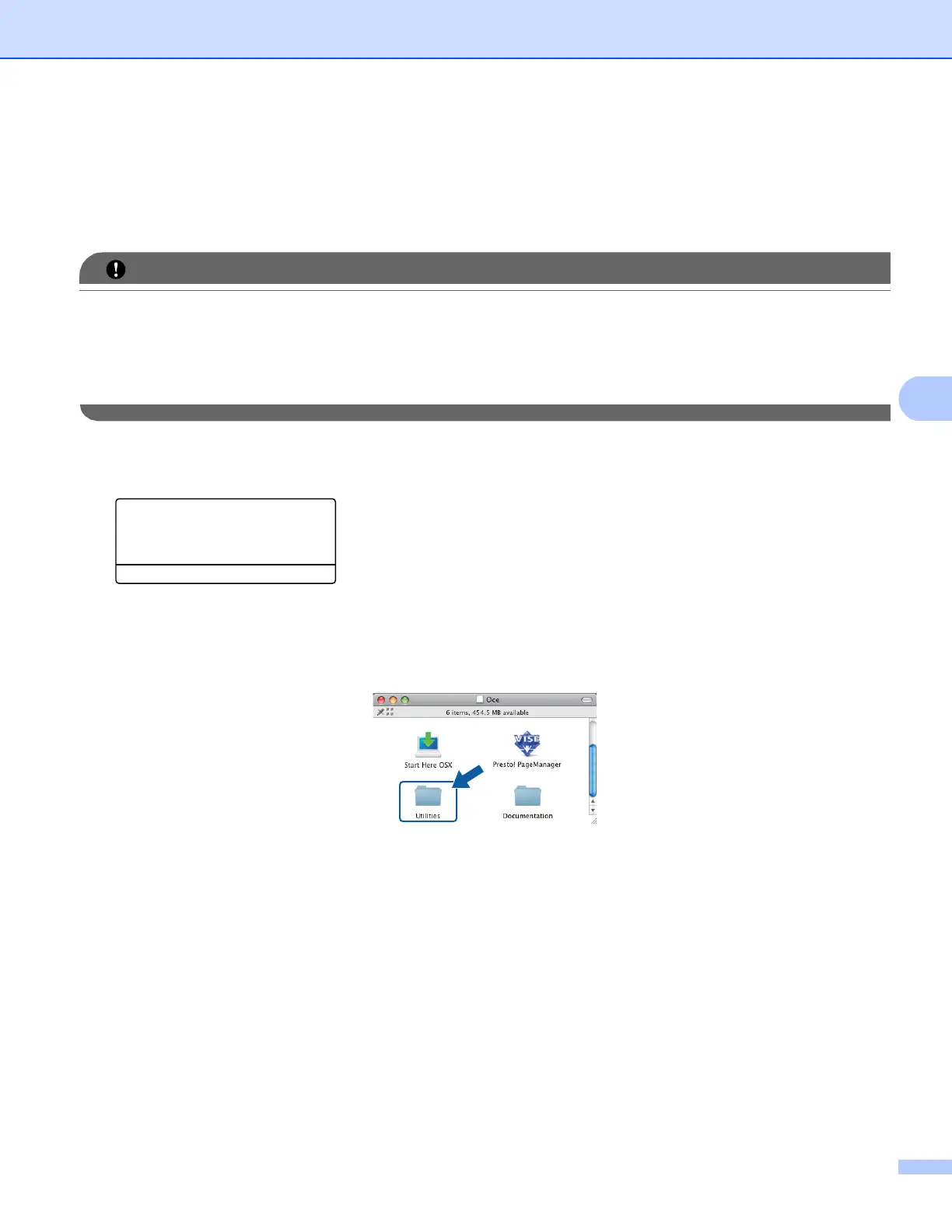
d Put the supplied CD-ROM into your CD-ROM drive. Double-click the Oce icon on your desktop.
e Double-click the Utilities icon.














 To Next Page