Configuring your machine for a wireless network
27
3
Configuration using the Océ installer application on the CD-ROM to configure
your wireless network machine 3
You can also use the Océ installer application on the CD-ROM we have provided with the machine. You will
be guided by the on-screen instructions until you are able to use your machine. You must know your wireless
network settings before you proceed with this installation. (See Using the Océ installer application on the
CD-ROM to configure your machine for a wireless network on page 35.)
Configuration temporarily using a network cable 3
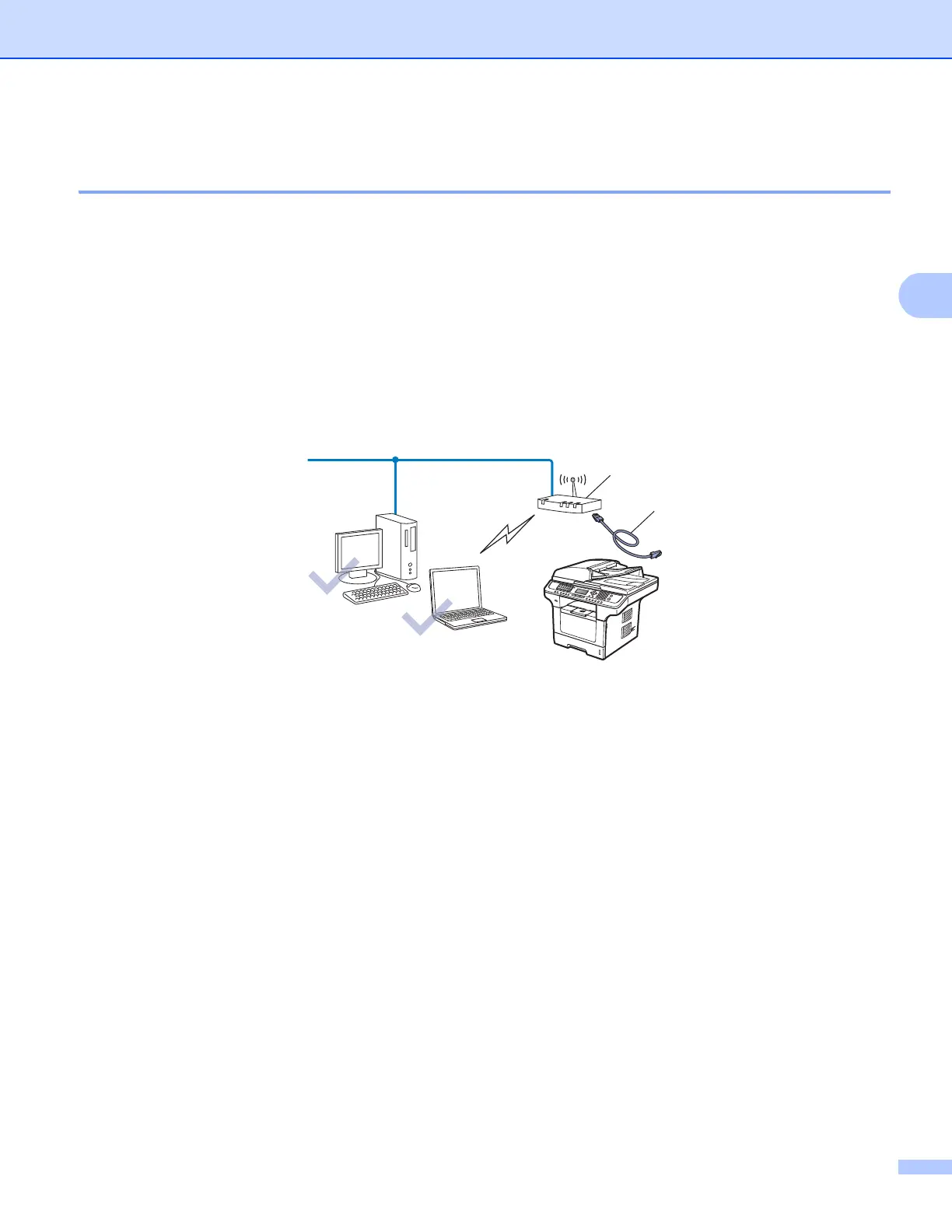
If there is an Ethernet Hub or Router in the same network as the wireless access point (A) of your machine,
you can temporarily connect the Hub or Router to the machine using an Ethernet cable (B), this is an easy
way to configure your machine. You can then remotely configure the machine from a computer on the
network.
B
A














 To Next Page