Introduction
5
1
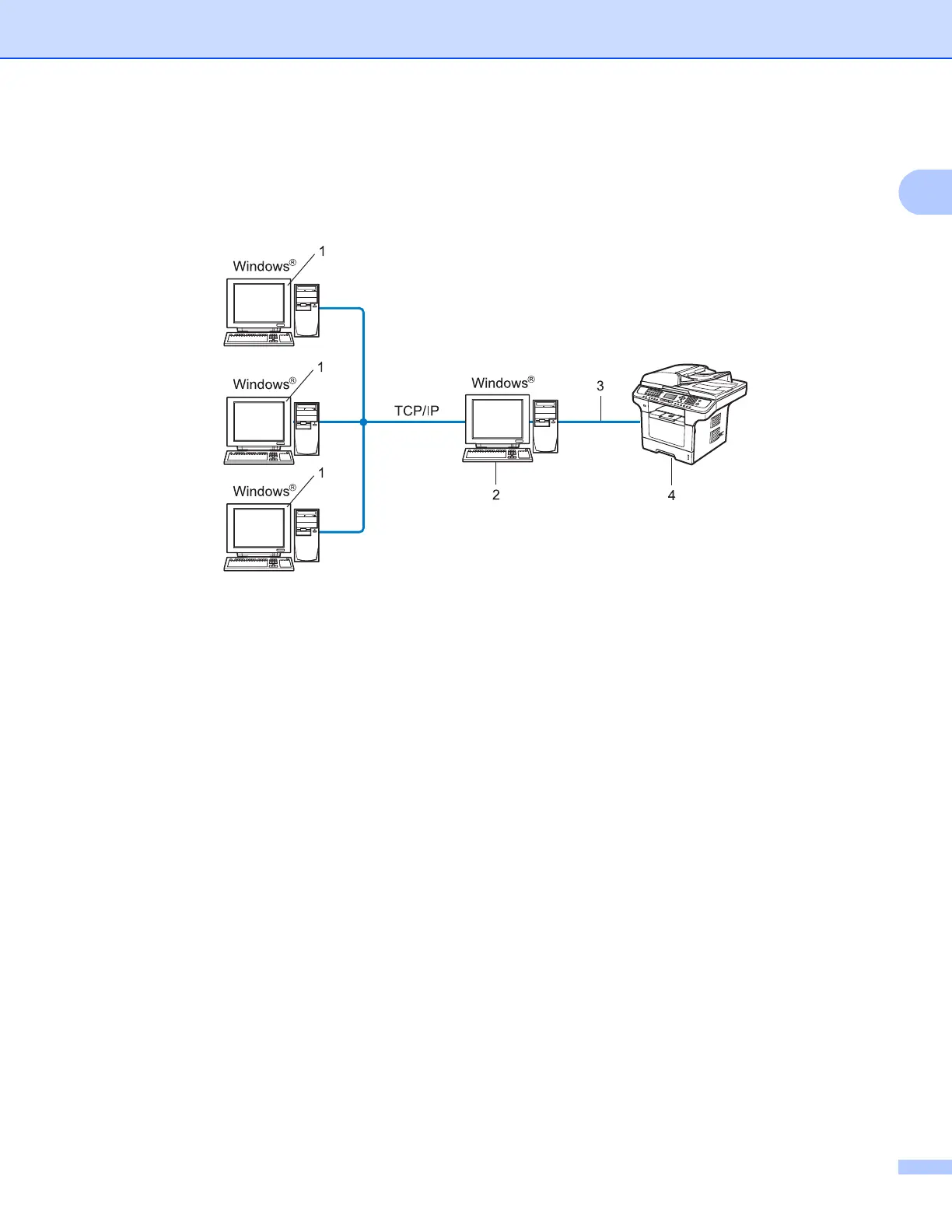
Network Shared printing 1
In a Network Shared environment, each computer sends data via a centrally controlled computer. This type
of computer is often called a “Server” or a “Print Server”. Its job is to control the printing of all print jobs.
1 Client computer
2 Also known as “Server” or “Print server”
3 TCP/IP, USB or parallel (where available)
4 Printer (your machine)
In a larger network, we recommend a Network Shared printing environment.
The “server” or the “print server” must use the TCP/IP print protocol.
The Océ machine needs to have an appropriate IP address configuration unless the machine is connected
via the USB or the parallel interface at the server.














 To Next Page