Web Based Management
139
10
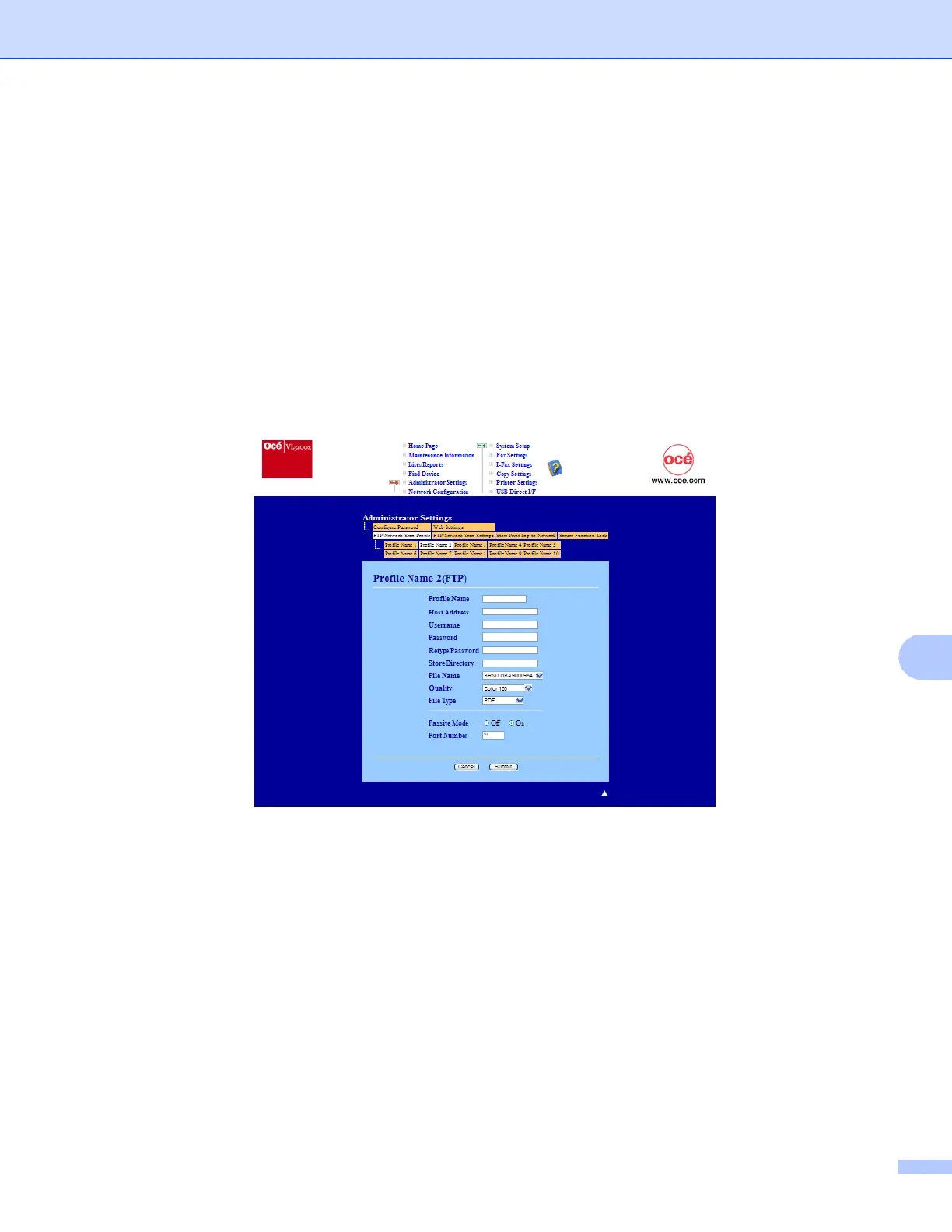
Changing the Scan to FTP configuration using a web browser10
Scan to FTP allows you to scan a document directly to an FTP server on your local network or on the Internet.
(See Chapter 4 in the Software User’s Guide for more details on Scan to FTP.)
a Click Administrator Settings on the VL3200x web page, and then click FTP/Network Scan Settings.
b You can choose what profile numbers (1 to 10) to use for Scan to FTP settings.
You can also store two user defined file names that can be used for creating an FTP Server Profile in
addition to the seven present file names in Create a User Defined File Name. A maximum of 15
characters can be entered in each of the two fields.
After setting, click Submit.
c Click FTP/Network Scan Profile on Administrator Settings page.
Now you can configure and change the following Scan to FTP settings using a web browser.














 To Next Page