Wireless configuration for Windows
®
using the Océ installer application
45
4
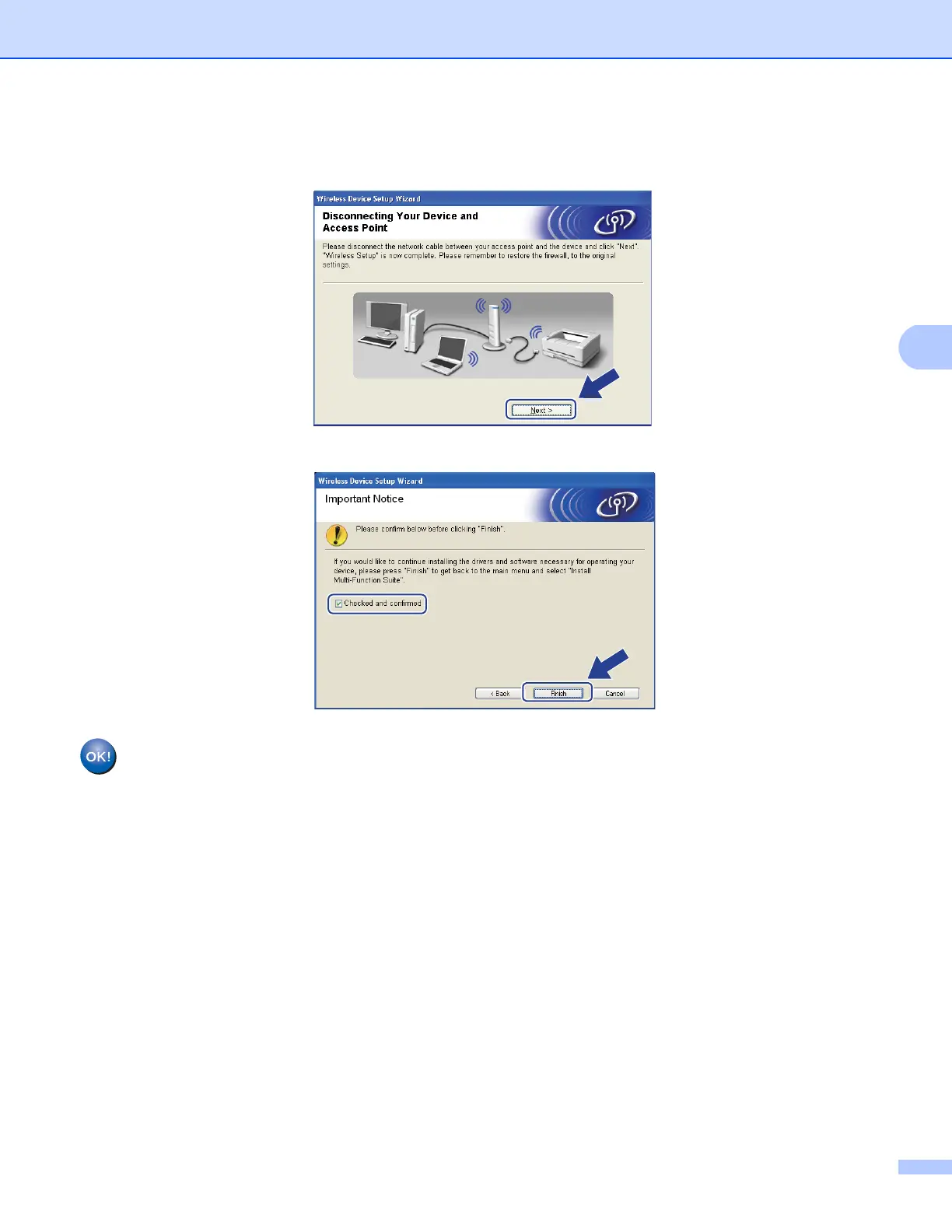
p Disconnect the network cable between your access point (hub or router) and the machine, and click
Next.
q Check the box after you confirm that you have completed the wireless settings, and then click Finish.
You have completed the wireless network setup. If you would like to continue installing drivers
and software necessary for operating your device, please choose Install Multi-Function Suite
from the CD-ROM menu.














 To Next Page