Wireless configuration for Macintosh using the Océ installer application
64
5
3
Encryption key, WEP key, Passphrase. For LEAP and EAP-FAST, record the Name and Password.
For example: 5
• If you have previously configured the wireless settings of the machine, you must reset the network LAN
settings before you can configure the wireless settings again. Press Menu, 7, 0 for Network Reset,
press 1 for Reset and then choose 1 for Yes to accept the change. The machine will restart automatically.
• If you are using a firewall function of anti-spyware or antivirus applications, temporarily disable them. Once
you are sure that you can print, configure the software settings following the instructions.
• You need to temporarily use an Ethernet cable during configuration. (The Ethernet cable is not a standard
accessory.)
For example:
64-bit ASCII: Uses 5 text characters e.g. “Hello” (this is case sensitive)
64-bit Hexadecimal: Uses 10 digits of hexadecimal data e.g. “71f2234aba”
128-bit ASCII: Uses 13 text characters e.g.
“Wirelesscomms” (this is case sensitive)
128-bit Hexadecimal: Uses 26 digits of hexadecimal data
e.g.“71f2234ab56cd709e5412aa3ba”
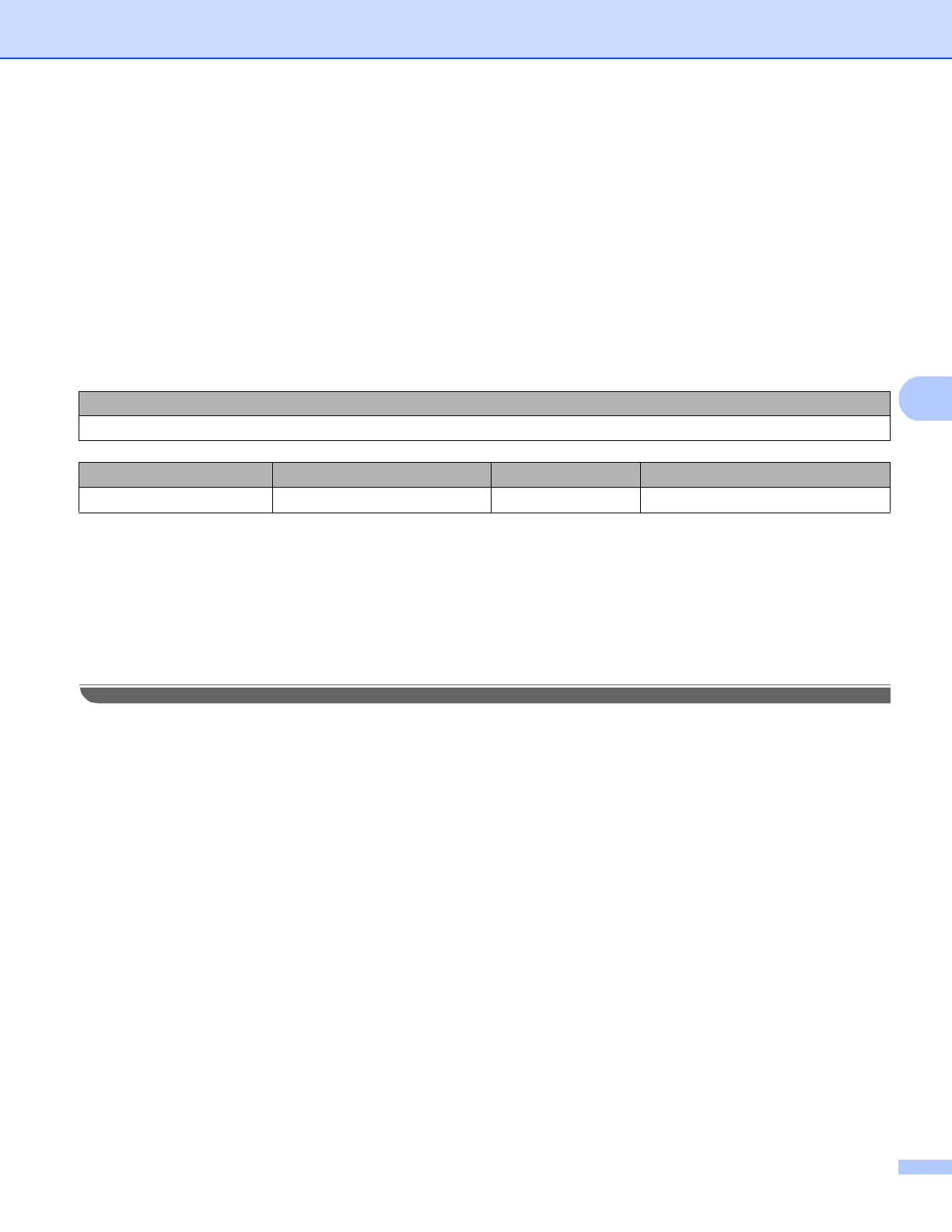
Network name:(SSID, ESSID)
HELLO
Communication Mode Authentication method Encryption mode Network key
Infrastructure Pre-Shared Key (WPA2-PSK) AES 12345678














 To Next Page