Wireless configuration for Windows
®
using the Océ installer application
40
4
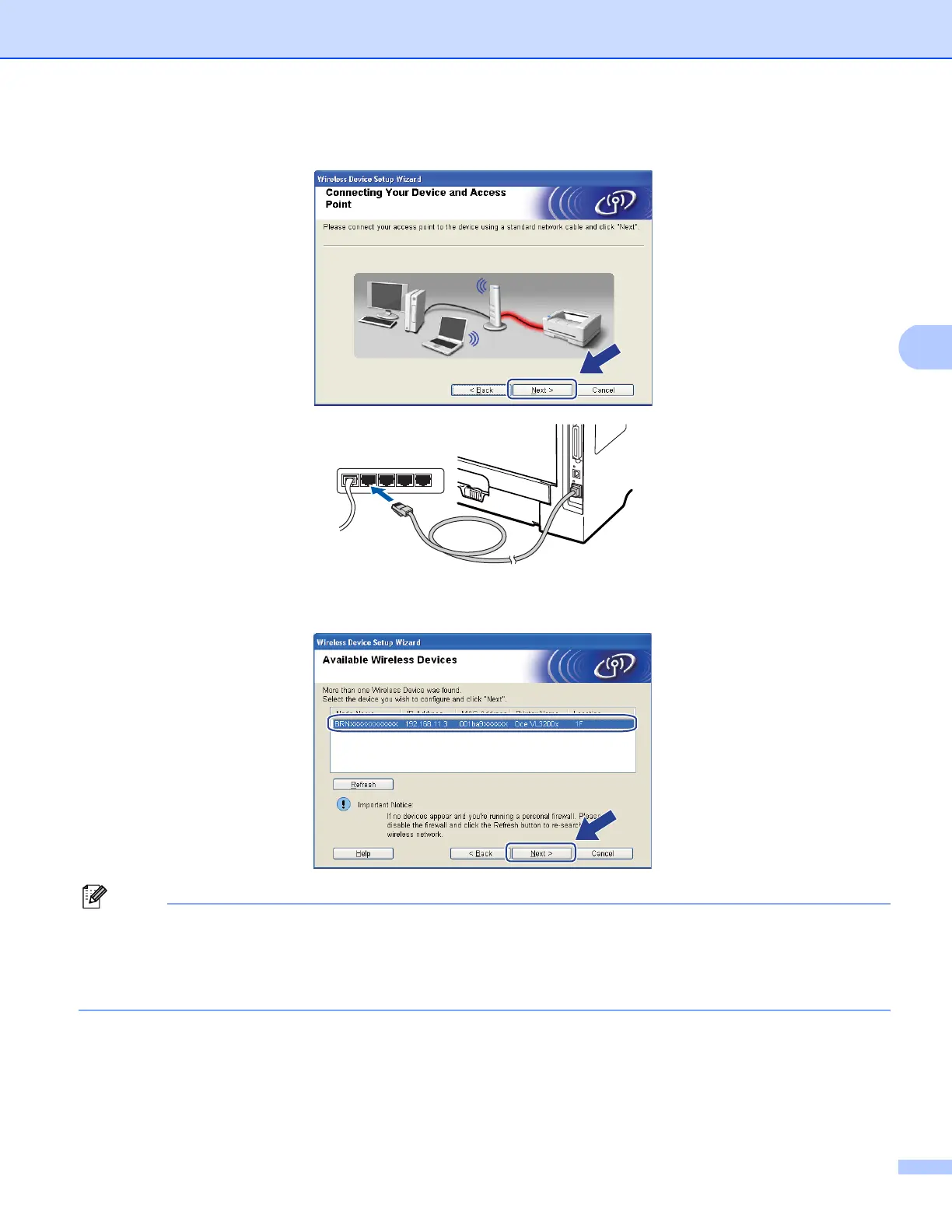
h Connect the machine to your access point using a network cable and click Next.
i Choose the machine you wish to configure, and click Next. If the list is blank, check if the access point
and the machine are powered on, and then click Refresh.
Note
• The default Node name is “BRNxxxxxxxxxxxx”. (“xxxxxxxxxxxx” is your machine’s MAC Address /
Ethernet Address.)
• You can find your machine’s MAC Address / Ethernet Address by printing out the Network Configuration
List. See Printing the Network Configuration List on page 119.














 To Next Page