Wireless configuration for Windows
®
using the Océ installer application
58
4
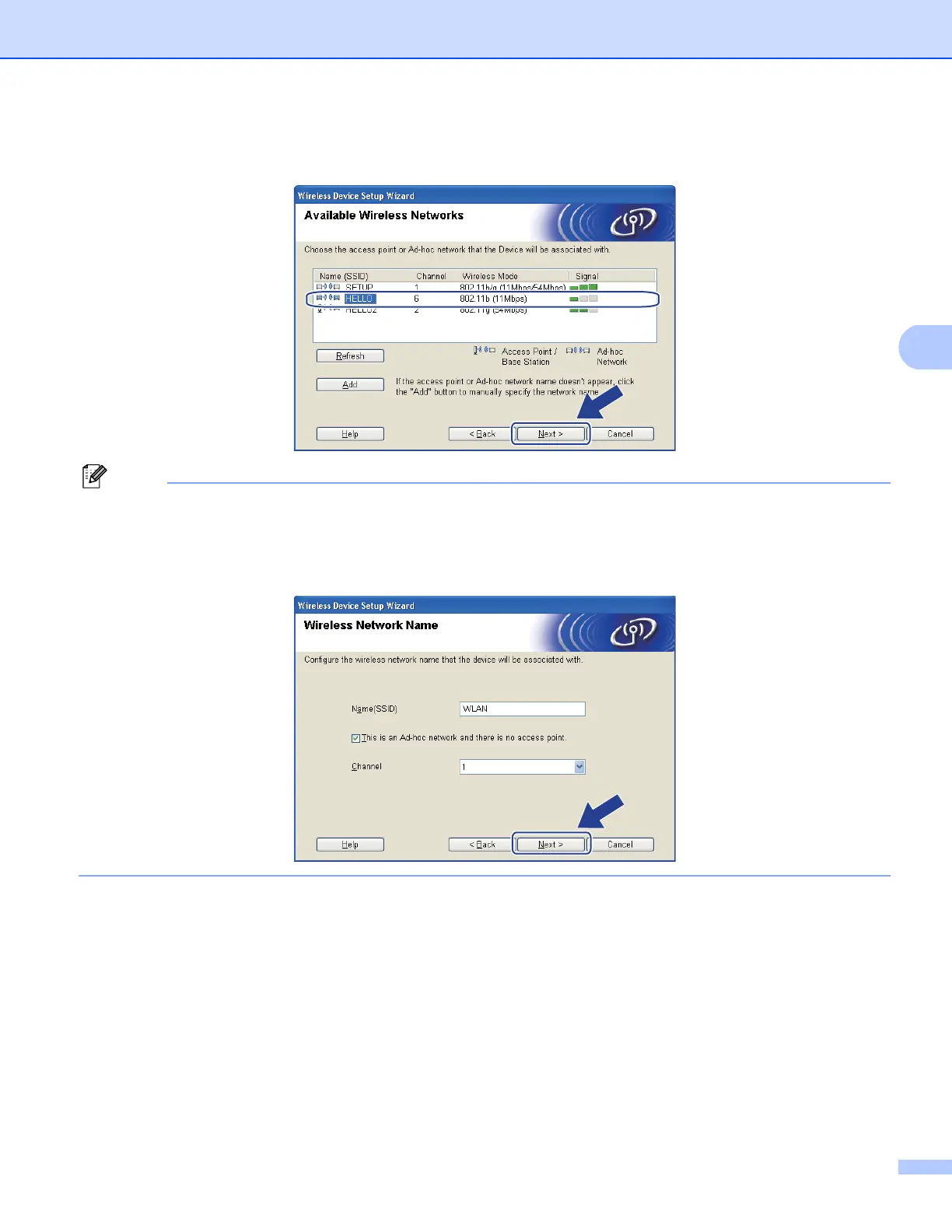
m The wizard will search for wireless networks available from your machine. Choose the Ad-hoc network
you wish to associate the machine with, and then click Next.
Note
• If the list is blank, check if the machine is within range for wireless communication. Then, click Refresh.
• If your target Ad-hoc network does not appear on the list, you can manually add it by clicking the Add
button. Check This is an Ad-hoc network and there is no access point., and then enter the
Name (SSID) and the Channel number, and then click Next.














 To Next Page