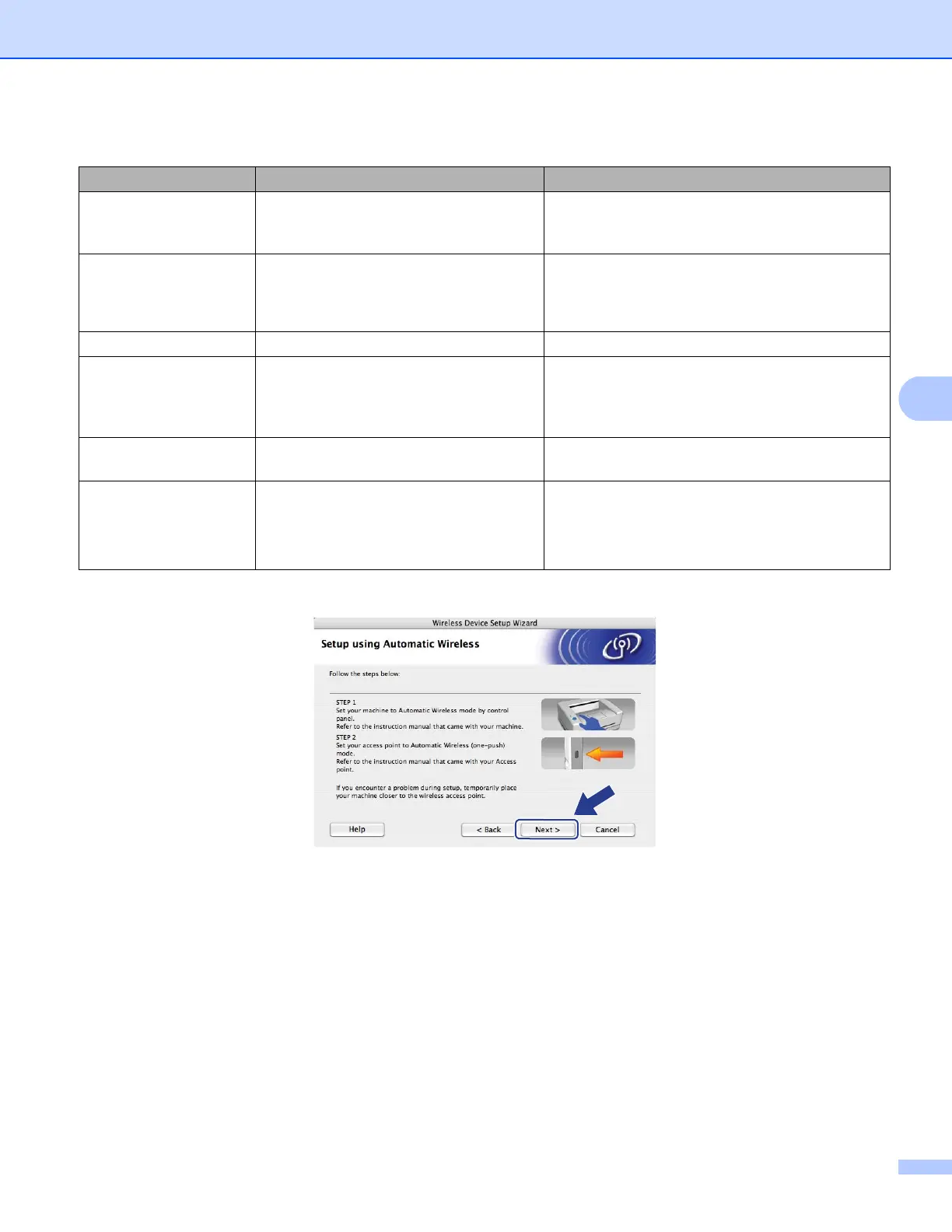
Wireless configuration for Macintosh using the Océ installer application
76
5
LCD messages when using the SES/WPS/AOSS™ control panel menu 5
m Click Next.
LCD shows Connection status Action
Setting WLAN
Searching or accessing the access
point, and downloading settings from the
access point.
—
Connecting SES
Connecting WPS
Connecting AOSS
Connecting the access point. —
Connected Connection succeeded. —
Connection Error Session overlap has been detected.
Check that only one router or access point has
the automatic wireless setup
(SecureEasySetup™, AOSS™, etc.) mode
enabled and try starting from step i again.
No Access Point The access point detection failed.
Move the machine closer to your access
point/router and try starting from step i again.
Connection Fail Connection failed.
1 Try starting from step i again.
2 If the same message continues, reset the
machine back to the factory settings and try
again.














 To Next Page