12
Time and Date Displays
Time displays are shown in hour:minute format (i.e., 1:16
represents 1 hour and 16 minutes, not 116 minutes!). The
colon that separates hours and minutes blinks once per second
when the display is indicating real time (e.g., Elapsed Dive
Time), and is solid (non-blinking) when times are calculated
projections (e.g., Time to Fly).
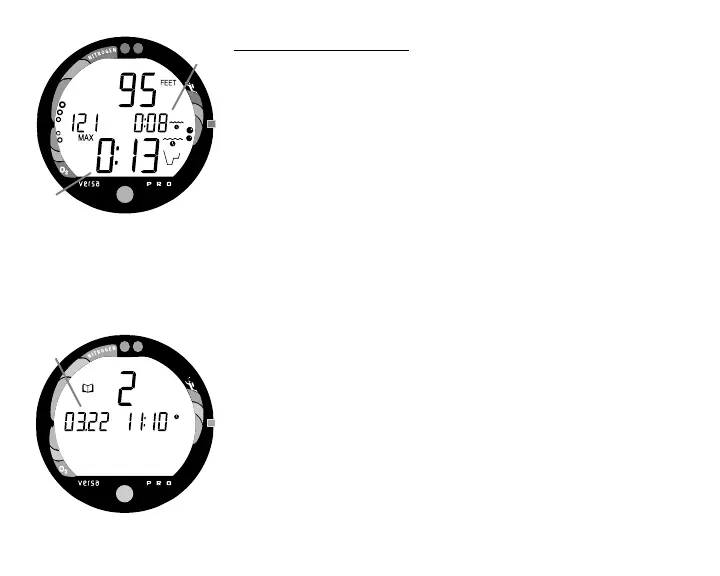
The Main Time display is located in the lower portion of the
display (Fig. 5a) and a second time display (Fig. 5b) is
located in the center/right. Both displays are identified by a
clock icon.
• Time of Day can be set for 12 hour format (Am/Pm) or 24
hour format.
Date is displayed in the center/left portion of the screen (Fig.
6a) only to identify dive data while it is viewed in the Log
Mode.
• When Units of Measure are set for 'Imperial', the Month
appears to the left of Day. When set for Metric, the Month
appears to the right of Day.
Fig. 5 - Time Displays
Fig. 6 - Date Display
a
b
a



 To Next Page