67
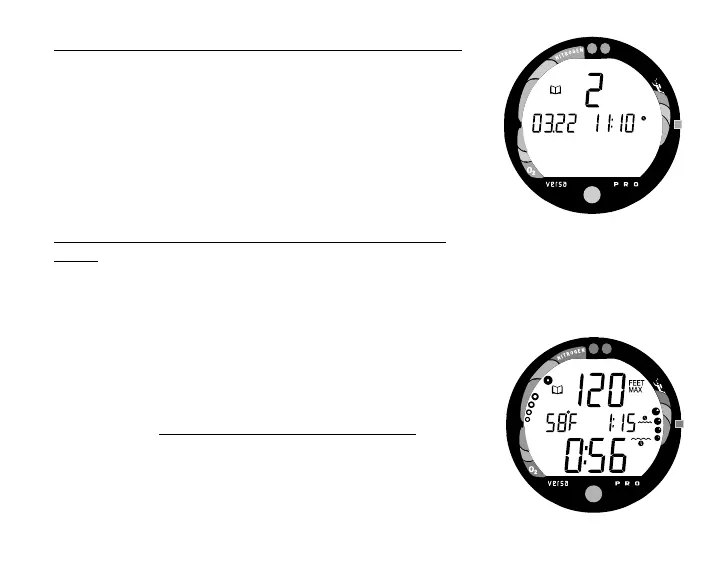
To access the Log Mode and view the First Screen
(While in Surface Mode) -
• Press the Advance (Front) button 4 times.
• The First Screen of the most recent dive will appear dis-
playing (Fig. 72) -
• The Log Mode icon
• Dive Number
• Time/ Date the dive started
To view the Second Screen of the Log (Nitrogen
data) -
• Press the Select (Side) button 1 time (while viewing the
Time/Date). Displayed will be (Fig. 73) -
• Log Mode icon
• Maximum Depth - reached during the dive (and icon)
• Temperature - minimum during the dive (and icon)
• Surface Interval - prior to that dive (and icon)
• Elapsed Dive Time (and icon)
• Variable Ascent Rate Indicator - showing the maximum
ascent rate maintained for 4 consecutive seconds during
the dive
• Tissue Loading Bar Graph - showing tissue nitrogen
loading at the time you surfaced at the end of the dive.
Also, the segment that reflects the maximum loading will
appear flashing.
Fig. 73 - Log (Nitrogen Data)
Fig. 72 - Log (Date / Time)



 To Next Page