64
AFTER THE TRANSITION PERIOD (THE FIRST 2 HOURS)
For the remainder of the first 2 hours after surfacing,
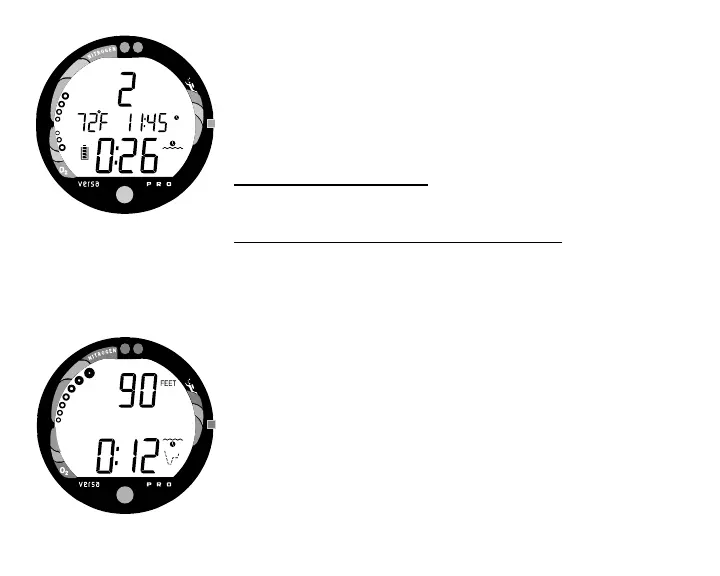
information will continue to be displayed as Surface Mode
(Fig. 68) and you will have full access to other modes (e.g.,
PDPS, Fly, Desat, Log, Set, etc.).
To activate the Backlight -
• Press the Select (Side) button.
To access the Pre Dive Planning Sequence -
(Also refer to page 42)
• Press the Advance (Front) button 1 time (while in Surface
Mode).
• Press and release the Select (Side) button to advance
through the sequence of available 'adjusted' depths and
times one screen at a time.
• The unit will revert to Surface Mode after 2 minutes, unless
the Advance (Front) button is pressed to access the Fly
Mode.
The Pre Dive Planning Sequence now shows adjusted No
Decompression Limits (Fig. 69) based on residual nitrogen and
accumulated oxygen calculated to be remaining from the
previous dives.
Fig. 68 - Surface Mode (>10 min)
Fig. 69 - Adjusted NDLs



 To Next Page