52
VIOLATION MODES
While in Violation Modes the Alternate Displays previously
described can be accessed using the Advance (Front) button,
and the Backlight can be activated using the Select (Side)
button.
• The Versa Pro will automatically revert to the Main
Display after 3 seconds unless the Advance (Front) button is
pressed to view another display of information.
NOTE: Upon entry into Violation Modes, the
Audible Alarm will emit a 30 second continuous
tone followed by a 5 second steady beep. The
Alarm will sound even if it is user Set OFF. It also
cannot be turned off (acknowledged) by pressing
the Advance (Front) button.
Conditional Violation Mode
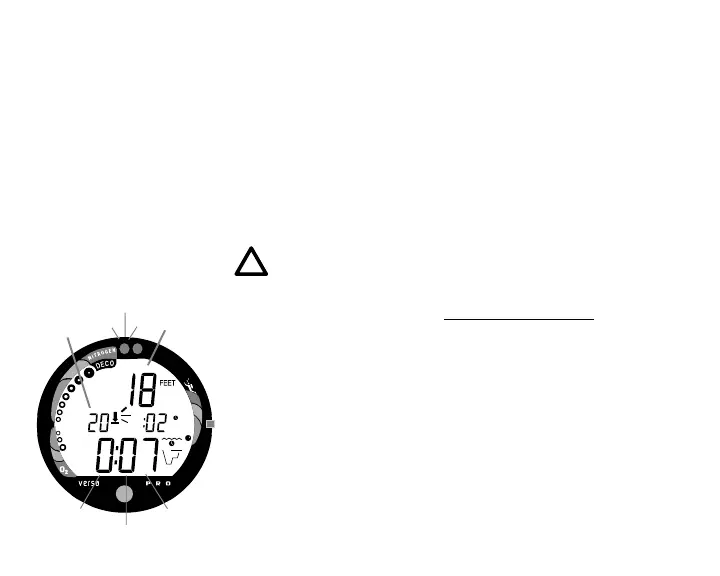
If you ascend shallower (Fig. 55a) than a Required
Decompression Ceiling Stop Depth displayed (Fig. 55b),
the Down Arrow, Deco Bar, and Total Ascent Time will flash
until you descend below the Required Stop Depth. Also
displayed will be Current Depth and applicable bar graphs.
Fig. 55 - Conditional Violation
a
b



 To Next Page