13
Temperature Display
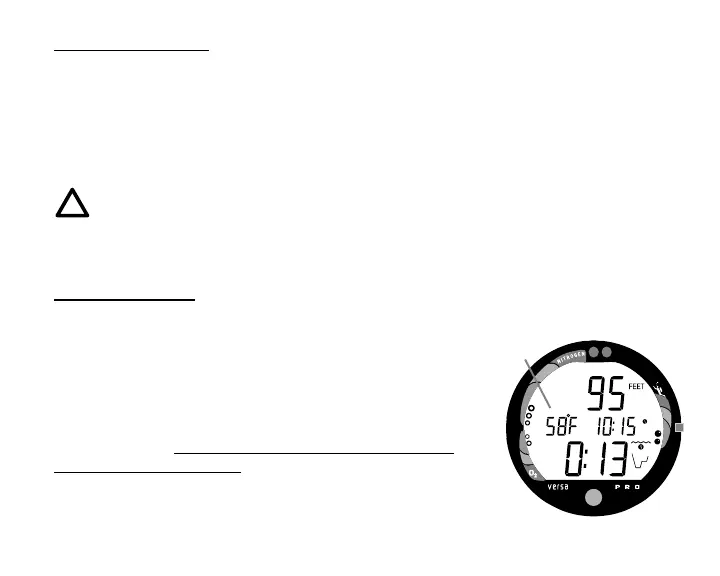
Ambient Temperature is displayed in the center/left portion of the screen (Fig. 7a)
while in the Surface Mode and Log Mode, and can be viewed as part of an Alternate
Display when the Advance (Front) button is pressed while in a dive mode.
If the Temperature exceeds a value of '99', two dashes ( - - ) will be displayed on the screen
until the unit's temperature decreases to '99'.
NOTE: The Informational Displays are described in detail as the various
operating modes they appear in are presented throughout this manual.
AUDIBLE ALARM
LED Warning Light
A red LED Warning Light and Speaker icon are synchronized
with the Audible Alarm and will illuminate the display when the
Alarm emits a tone. They will turn OFF when the Alarm is
acknowledged, or Set OFF (a user setting).
When warning situations activate the Alarm, the unit will emit
a continuous tone for 30 seconds, or until the situation is
corrected, or it is acknowledged by pressing the Advance
(Front) button for 2 seconds. If acknowledged by the user and
the situation corrected, the Alarm will sound again upon
reentry into the warning situation, or entry into another type of
warning situation.
Fig. 7 - Temperature Display
a



 To Next Page