32
TO SET - MAXIMUM TISSUE LOADING BAR GRAPH
(TLBG) ALARM (while in the Surface Mode)
Factory set for DECO (all 8 segments), the Maximum Tissue
Loading Bar Graph (TLBG) Alarm can be set to values between
DECO (all 8 segments) and 1 segment.
• Press Both buttons simultaneously, release when SET: 2
appears.
• Press and release the Advance (Front) button, the Units
screen appears with the set point flashing.
• Press the Advance (Front) button 8 more times.
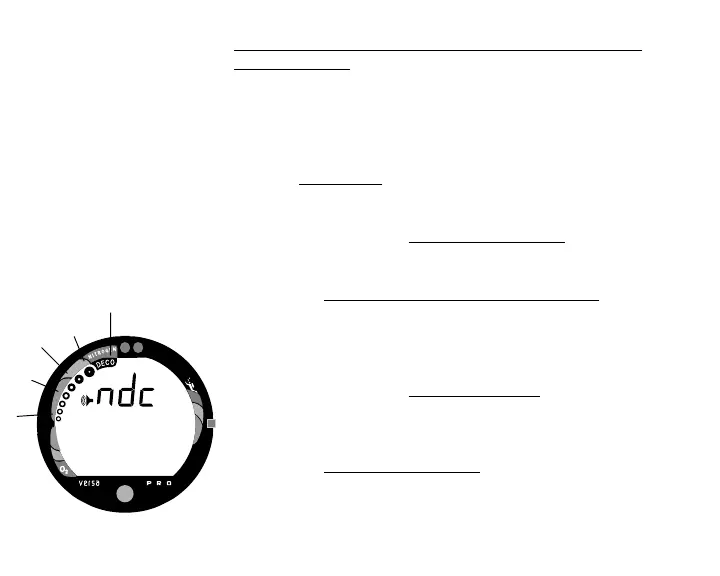
• The graphic ndc and Alarm (speaker) icon appear with
the full TLBG flashing (Fig. 32).
• Press and release the Select (Side) button to decrease the
number of segments one at a time, or press and hold the
button to scroll through the Set Points.
• Press the Advance (Front) button to accept the setting and
advance to Set Dive Time Remaining Alarm, or press and
hold Both buttons for 2 seconds to revert to Surface Mode.
Fig. 32 - Set Max TLBG Alarm



 To Next Page