56
• Press the Advance (Front) button to view Temperature and
Time of Day.
• Press the Select (Side) button to activate the Backlight.
The Versa Pro will also enter an Immediate Violation
Mode 5 minutes after reaching the surface from a dive in
which a Delayed Violation occurred.
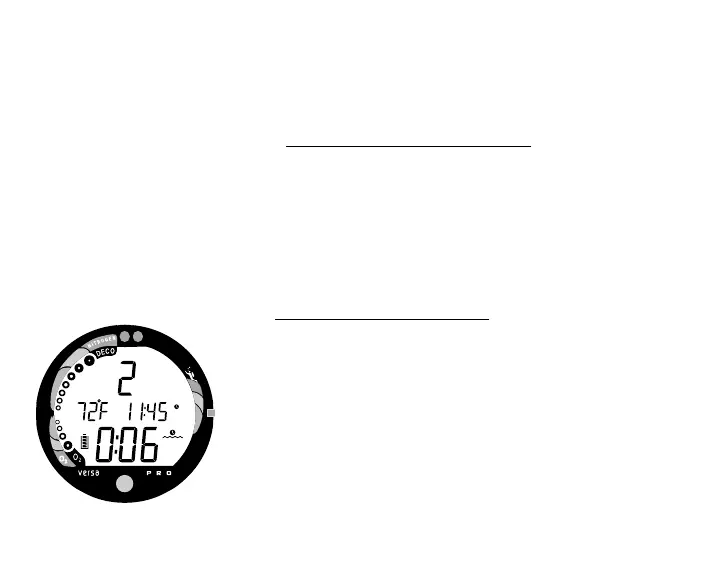
On the surface, Gauge Mode displays the Dive Number,
Temperature, Time of Day, and Surface Interval (Fig. 60). It
does not provide the FO2, PDPS, or Time to Fly and
Desaturate features.
The countdown timer that appears when you try to access Time
to Fly does not represent 'Time to Fly'. It is only provided to
inform you of the time remaining before normal Versa Pro
operation can resume with full features and functions.
This condition is a Permanent Violation, and in the
event that a dive is made during the 24 hour pe-
riod, a full 24 hour surface interval must then be
served before all functions are restored.
Fig. 60 - Immediate Violation
Gauge Mode (after surfacing)



 To Next Page