EN-106 EXPLORER BALANCES
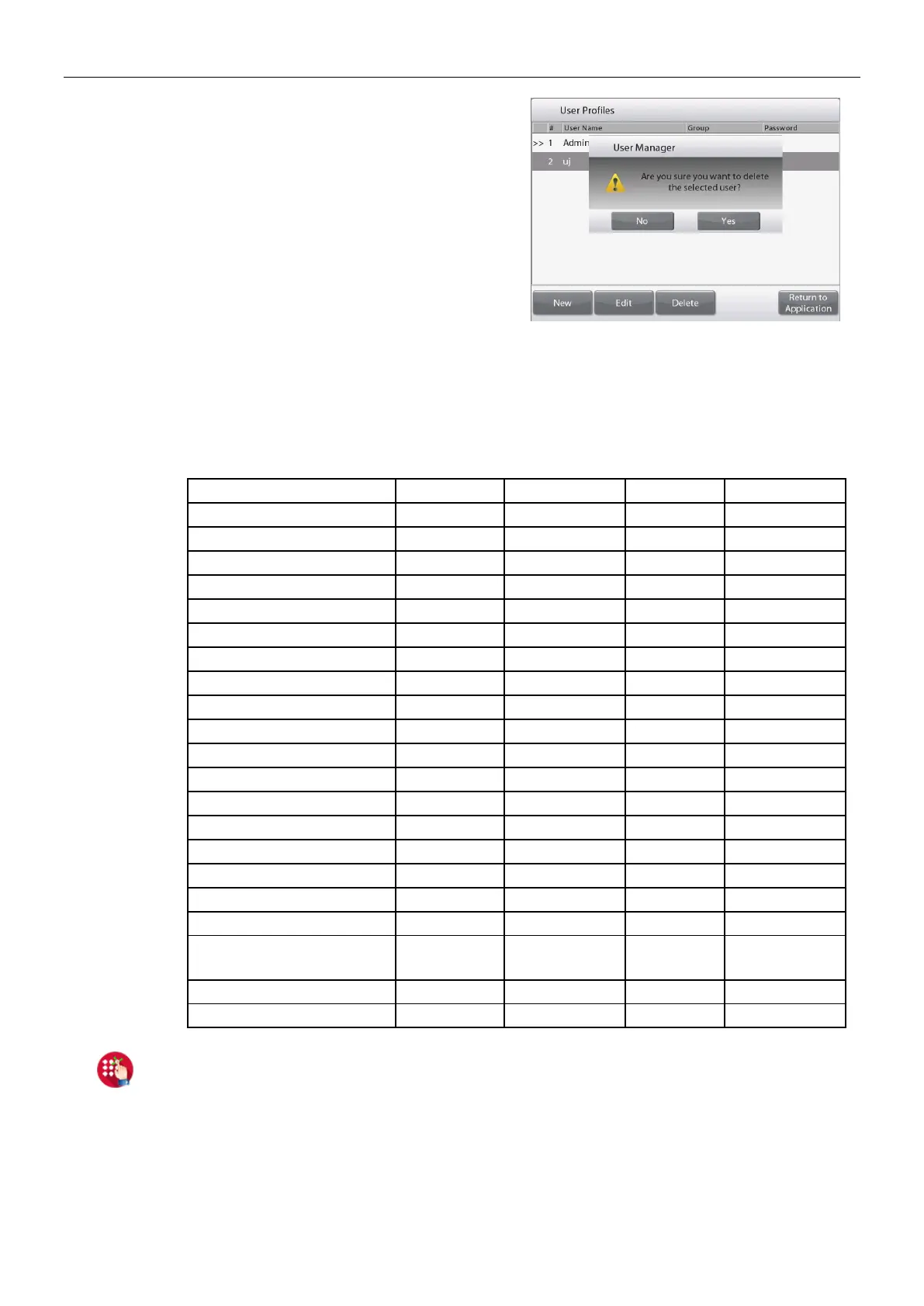
To delete a user, select the user you
want to delete and press Delete. Then
press Yes to confirm.
For Group selection, you can set up to 100 Operator, 10 Supervisor, 2 Log Viewer and 1
Admin who is by default in total. Please check the following table for the permission of
each role.
Admin can create, edit or delete Supervisor, Operator and Log Viewer, while Supervisor
can create, edit or delete Operator. Operator and Log Viewer cannot access User
management menu.
Application modes settings
Edit Settings
(when library record is activated)
5.4.2 Password Policy
To set when password will expire. There are three selections, 30 days, 60 days and 90 days.
This function can also be turned off.
5.4.3 Auto Standby (minutes)
To set the time period for the balance to enter standby mode if no screen activity for x minutes.
Default value = OFF (disabled). Range is 1 to 240 minutes.
Note: When the balance enters standby mode, the current user will be automatically logged out.
You need to log in the next time you use the balance.













 To Next Page