EN-126 EXPLORER BALANCES
EX12001, EX24001 and EX35001 switch
5.15 Information
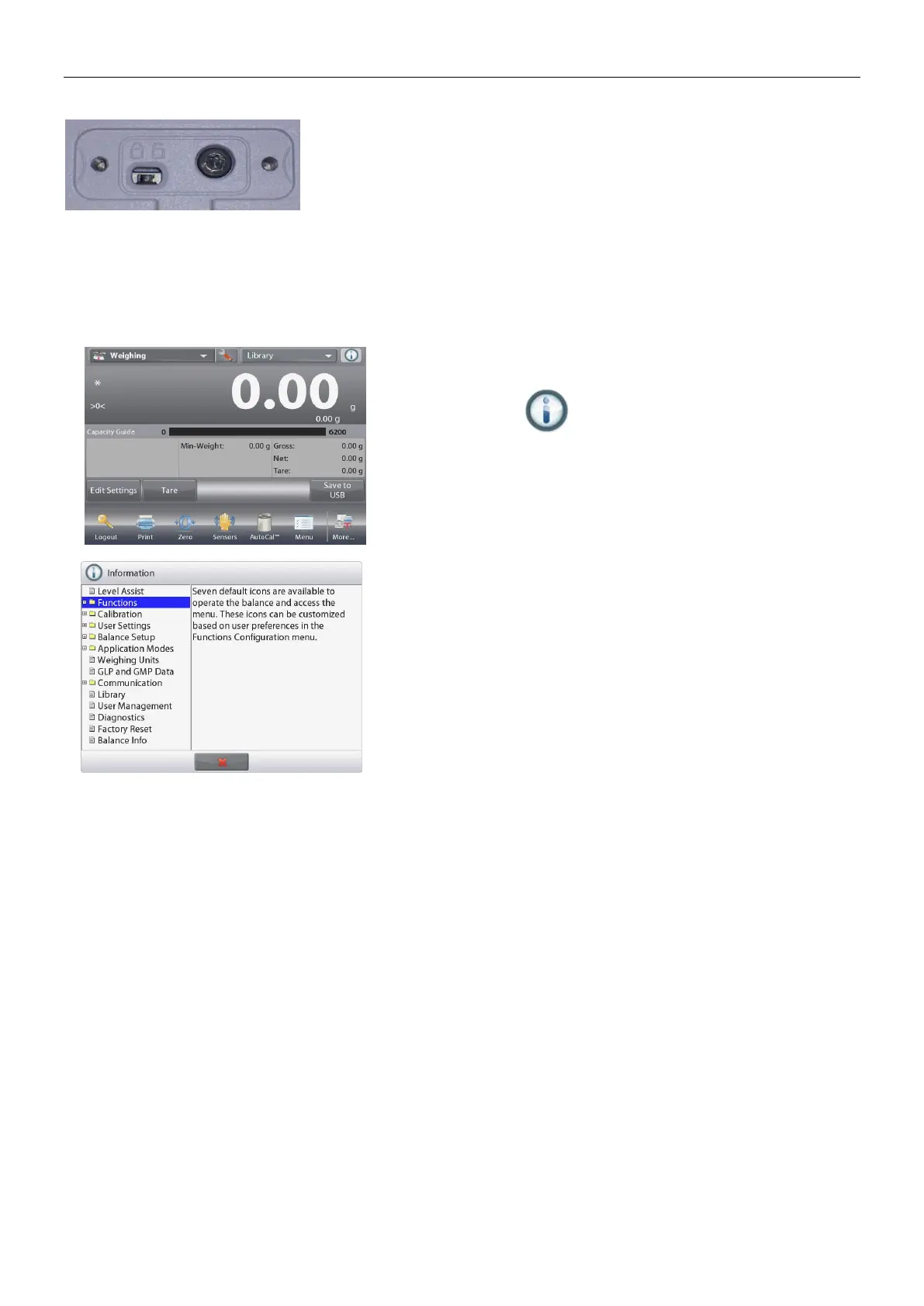
Information is available from any application as well as from the Main Menu. A brief descrtiption of the
item selected is displayed.
This feature is menu based.
5.15.1 Using Information
Touch the Info Icon to bring up
the menu (UPPER RIGHT)
Information topics, beginning with
Level Assist
Touch the word or the “+” in front
of it, to open a topic.
Touch x to close the Information
topic.













 To Next Page