EN-122 EXPLORER BALANCES
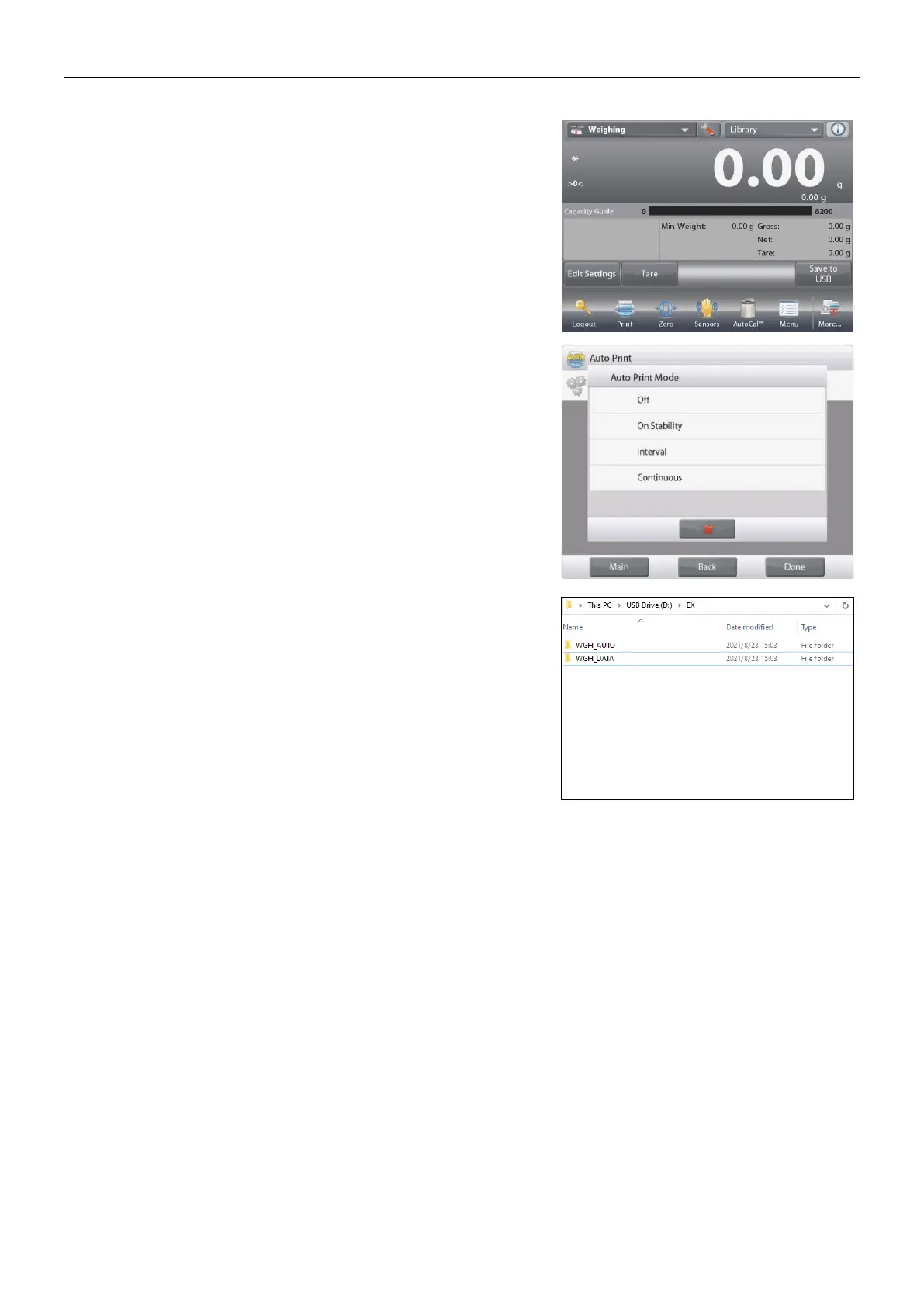
To automatically save weighing data to USB:
1. Enable “Auto Print” in the “Communication – USB
– Print Settings – Auto Print” menu.
2. The On Stable, Interval and Continuous
selections are available.
Auto Save to USB applies to Weighing, Parts
Counting, Percent Weighing, Check Weighing and
Filling.
The weighing data is in the folder named by
WGH_AUTO.
5.11 Library
When an item is processed on a regular basis, the item’s data may be stored in memory for future use. This
memory is referred to as the Balance’s Library.
Delete All Record: Select to delete all library records.













 To Next Page