EXPLORER BALANCES EN-97
4.16 Statistics
Statistics are used to compare a number of samples and examine the relative deviation of the samples along with
other statistical data. A minimum of three samples is required.
Statistics can operate manually (key press after each step) or automatically (weights automatically recorded
when stable). To use the statistics feature, enable it in the Application Setup menu.
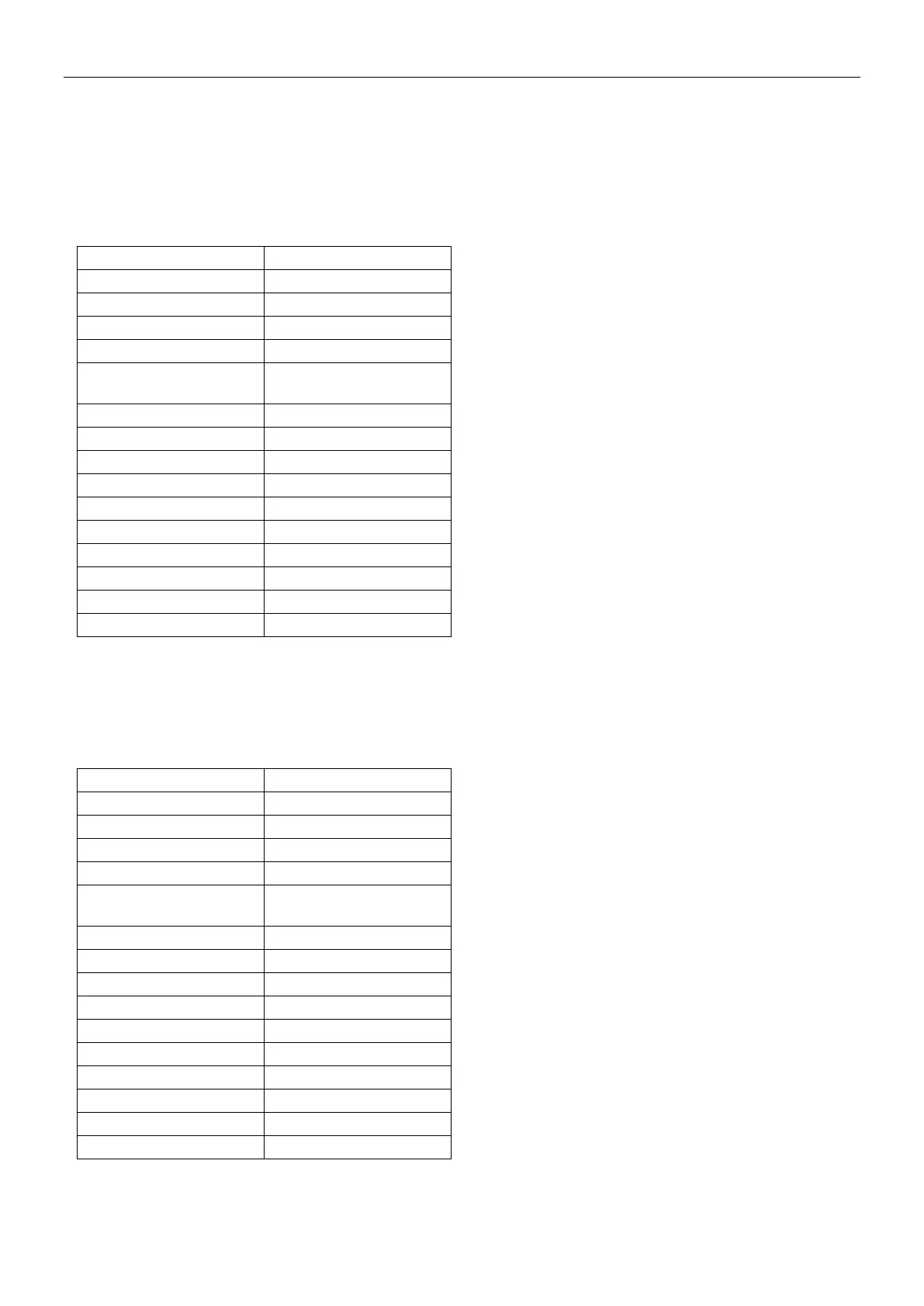
This feature is available in the application modes marked with √ in the table below.
Dynamic / Animal
Weighing
4.17 Secondary Unit
Secondary unit allows the display of the weighing result in a second unit. After enable it in each application's setup
menu, touch the displayed second unit on the screen while weighing to change it.
This feature is available in the application modes marked with √ in the table below.
Dynamic / Animal
Weighing













 To Next Page