EN-118 EXPLORER BALANCES
Verified by: _______________
Note: “Verified by” is to be signed by an officer
from local metrological regulation office to assert
that the weighing and/or calibration results are in
accordance with regulations.
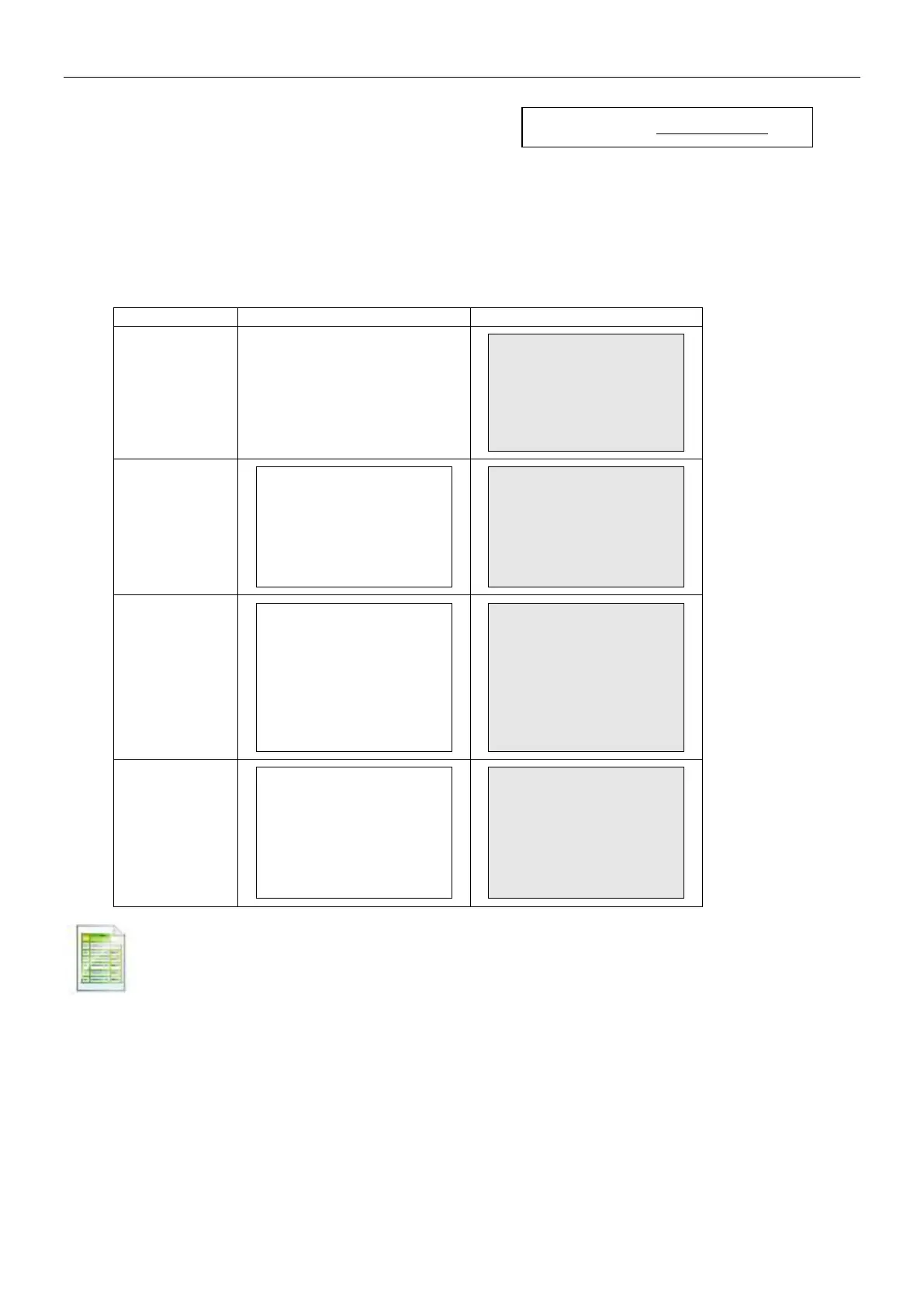
Note: The Information is dependent on the application and the ACCUMULATE setting. Examples are
shown below.
N: 10
Total: 10.000 kg
Avg: 1.000 kg
Std: 0.001 kg
Min: 0.999 kg
Max: 1.001 kg
Diff: 0.002 kg
N: 10
Total: 1000 Pcs
Avg: 100 Pcs
Std: 1 Pcs
Min: 99 Pcs
Max: 101 Pcs
Diff: 2 Pcs
Under: 0.995 kg
Over: 1.005 kg
Under: 0.995 kg
Over: 1.005 kg
N: 10
Total: 10.000 kg
Avg: 1.000 kg
Std: 0.001 kg
Min: 0.999 kg
Max: 1.001 kg
Diff: 0.002 kg
Level: 0
N: 10
Total: 10.000 kg
Avg: 1.000 kg
Std: 0.001 kg
Min: 0.999 kg
Max: 1.001 kg
Diff: 0.002 kg
5.10.10 Print Layout
This sub-menu is used to define the format of the data output to a printer or computer.
Format
Set the printing format.
Multiple Lines = a multiple line printout is generated. A CRLF is added after each data
output.
Single Line = a single line printout is generated. A TAB delimiter is added between each
data output.
Feed
Set the paper feed.
1 Line = move the paper up one line after printing.
4 Lines = move the paper up four lines after printing.
Form = a form feed is appended to the output.



 To Next Page