EN-26 EXPLORER BALANCES
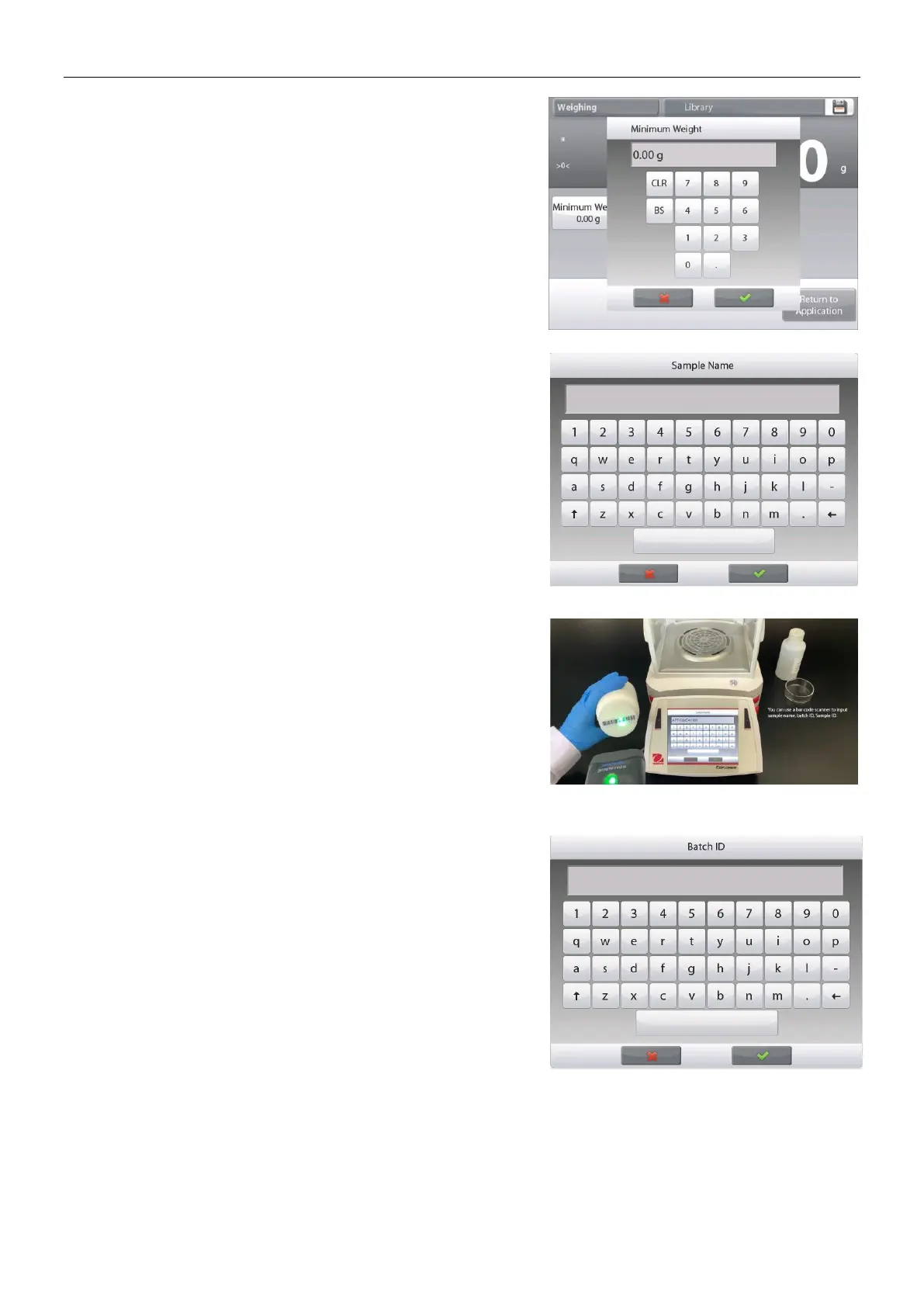
A numeric input window appears.
Use the keys to enter the desired Minimum Weight,
then press .
The display reverts to the previous screen with the
new Minimum Weight value highlighted: orange.
To return to the Weighing home screen, touch
Return to Application at bottom-right of that screen.
To input a sample name, touch the Sample Name
button. Enter the desired sample name, and then
press.
You can use bar code scanner to input sample name,
batch ID, Sample ID, or use RFID reader to get the
sample name.
Note: Since there are many brands of RFID device in the
market, OHAUS tested and confirmed that below one
from RFIDeas (www.RFIDeas.com) is compatible:
RDR-6081AKU-C06.
Since there are many brands of barcode scanners in the
market, OHAUS tested and confirmed that below ones
from Datalogic are compatible:
Heron series
QuickScan series
Gryphon 4100 series
Gryphon 4400 series
To input a batch ID, touch the Batch ID button. Enter the
desired ID, and then press.













 To Next Page