English
Chapter 8 - Specifications & Settings 93
Chapter 8 - Specifications & Settings
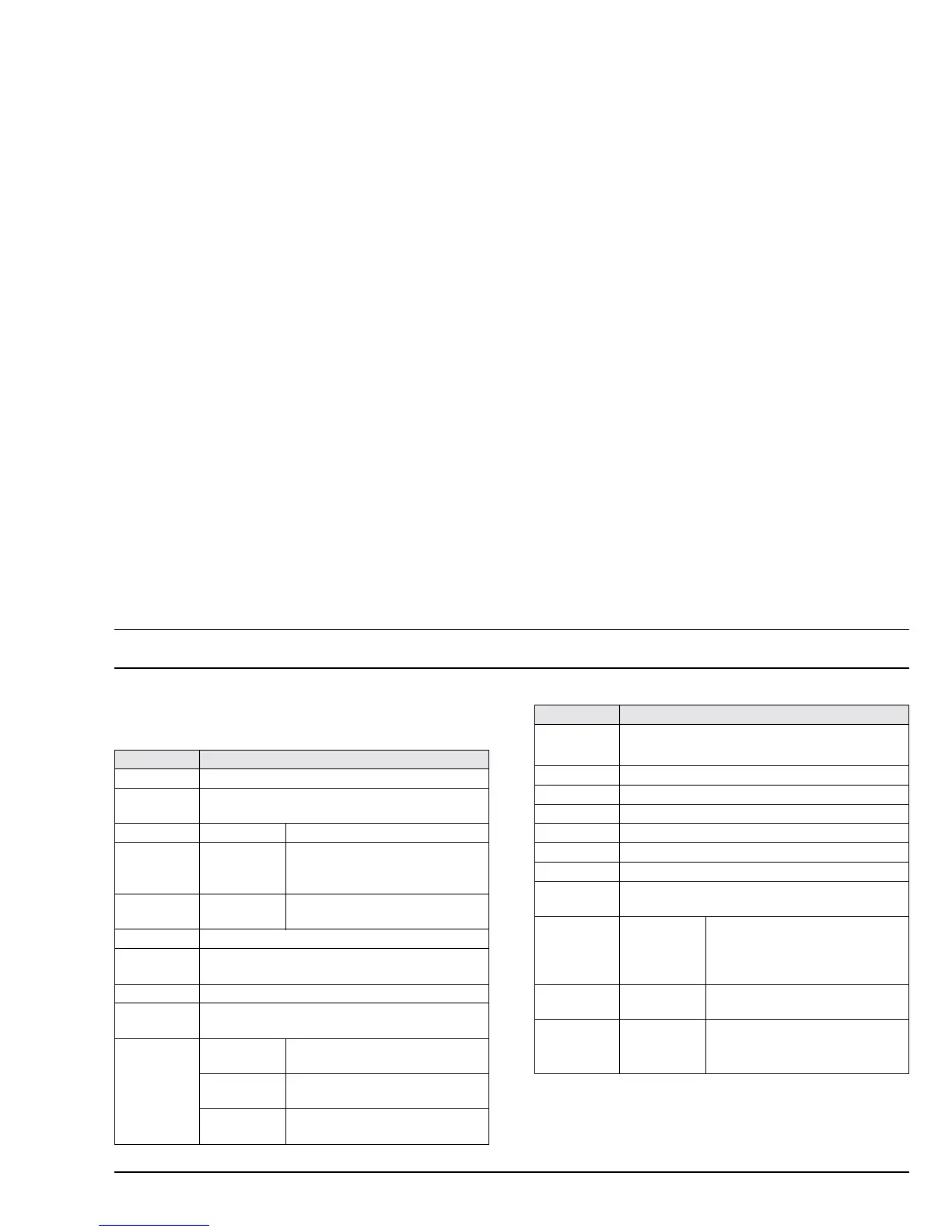
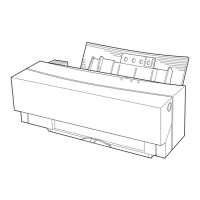
Table 1 details the general specifications for the OKI
DP-5000 printer.
Name OKI DP-5000 Photo Quality Colour Printer
Print head 240 dot
Printing speed
Plain paper: Equivalent to 240 cps (100 cps x 2.4 lines)
(When printing 10-cpi text)
Resolution Photo-Quality: 2400 dpi colour and greyscale
Standard:
1200 dpi greyscale / black & white;
600 dpi colour / black & white /
greyscale
Dye Sub:
Continuous-tone colour 600 dpi
(optional)
Printing area 330mm x 215mm (8.5” x 13”) maximum
Paper feed
method
Friction feed
Paper width 99mm - 224mm (3.9” - 8.82”)
Paper
thickness
0.67mm - 0.23mm (0.003” - 0.01”)
Print media
Photo-Quality:
VPhoto print film and paper (2400
dpi)
Standard:
Standard paper, laser-print paper,
overhead transparencies, (600 dpi)
Dye
Sublimation:
Optional
Dimensions
46.2cm (width) x 30cm (depth) x 19.1cm (height)
18.2" x 11.8" x 7.5" (approximate dimensions)
Weight 5.2 kg (11lbs. 8 oz.)
Power supply 220-240 Vac 50/60Hz
Interface Parallel, SCSI (optional), USB (optional)
Head life 250 million pulses/dots
Machine life printing; 10,000 cycles
Noise 51 dB Maximum
Agency
approvals
FCC Class B, UL, CSA and CE
Operating
environment
Temperature:
10°C to 30°C (50° to 86°F) (for
monochrome on plain paper),
otherwise 15°C to 30°C. (59° to
86°F).
Humidity:
30% to 70% (without condensation or
freezing)
Storage
environment
Temperature: 0°C to 35°C (32° to 95°)
Humidity:
50% to 70% (without condensation or
freezing)
Name OKI DP-5000 Photo Quality Colour Printer








 To Next Page