177
Then, press and hold down the FEED switch for one second or longer to
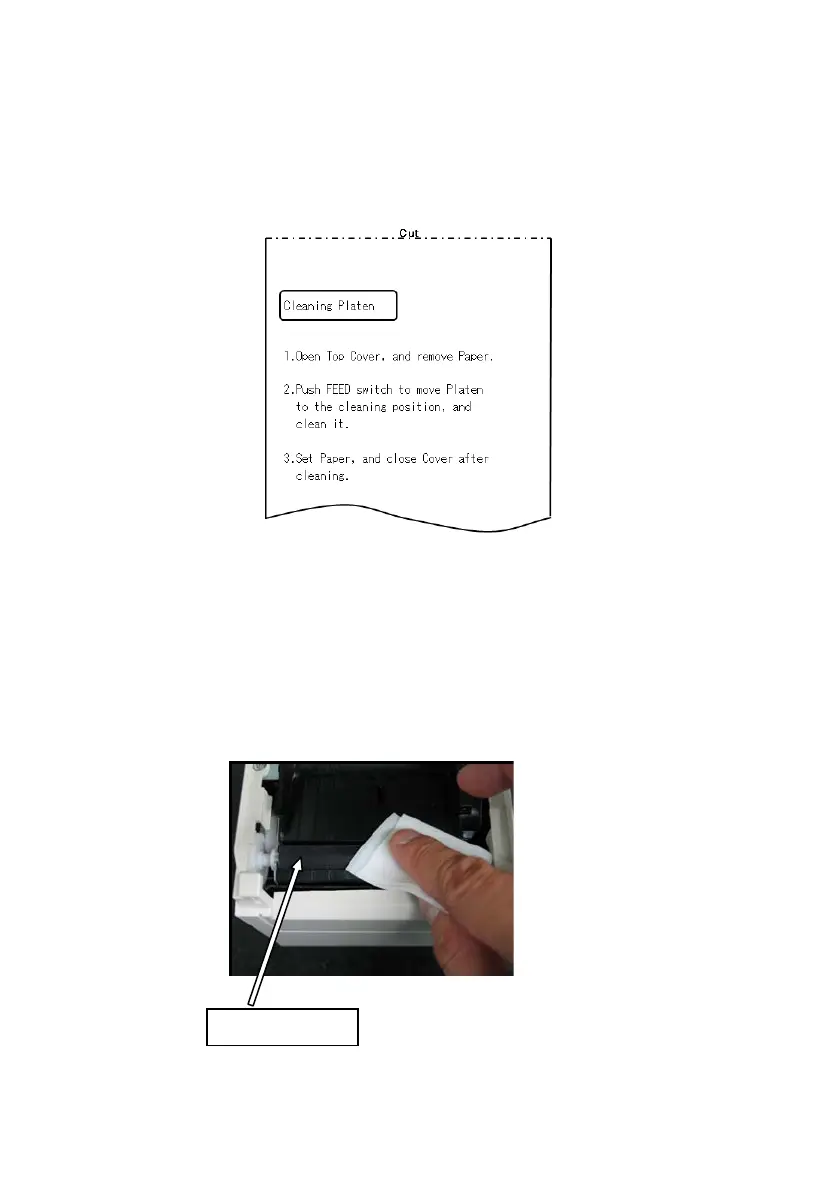
accept the selection. The printer enters platen roller cleaning mode. The
printer prints the following and cuts the paper when it enters platen
roller cleaning mode:
(4) Open the top cover, and remove the roll paper.
(5) Press the FEED switch to rotate the platen roller to a position that will
facilitate cleaning, and then wipe the platen roller with a dry soft cloth
to remove paper particles, adhesive, and other foreign matter from the
surface of the platen roller.



 To Next Page