28 Assembly & Preparation
Before using the eXp 6000 for a field measurement you should do some preparations. The eXp 6000
consists mainly of two separate main parts:
• Control Unit
This is the main controller of the eXp 6000 where you select your operating modes and view
your current measurement data. Furthermore all your scans will be saved in its internal memory
before transferring it to a computer for detailed analyses.
• Telescopic Rod Assembly
This is the “handle” for all your measuring probes and sensors. The integrated electronics take
care that all measured data will be transferred wireless to the control unit.
5.1 Control Unit
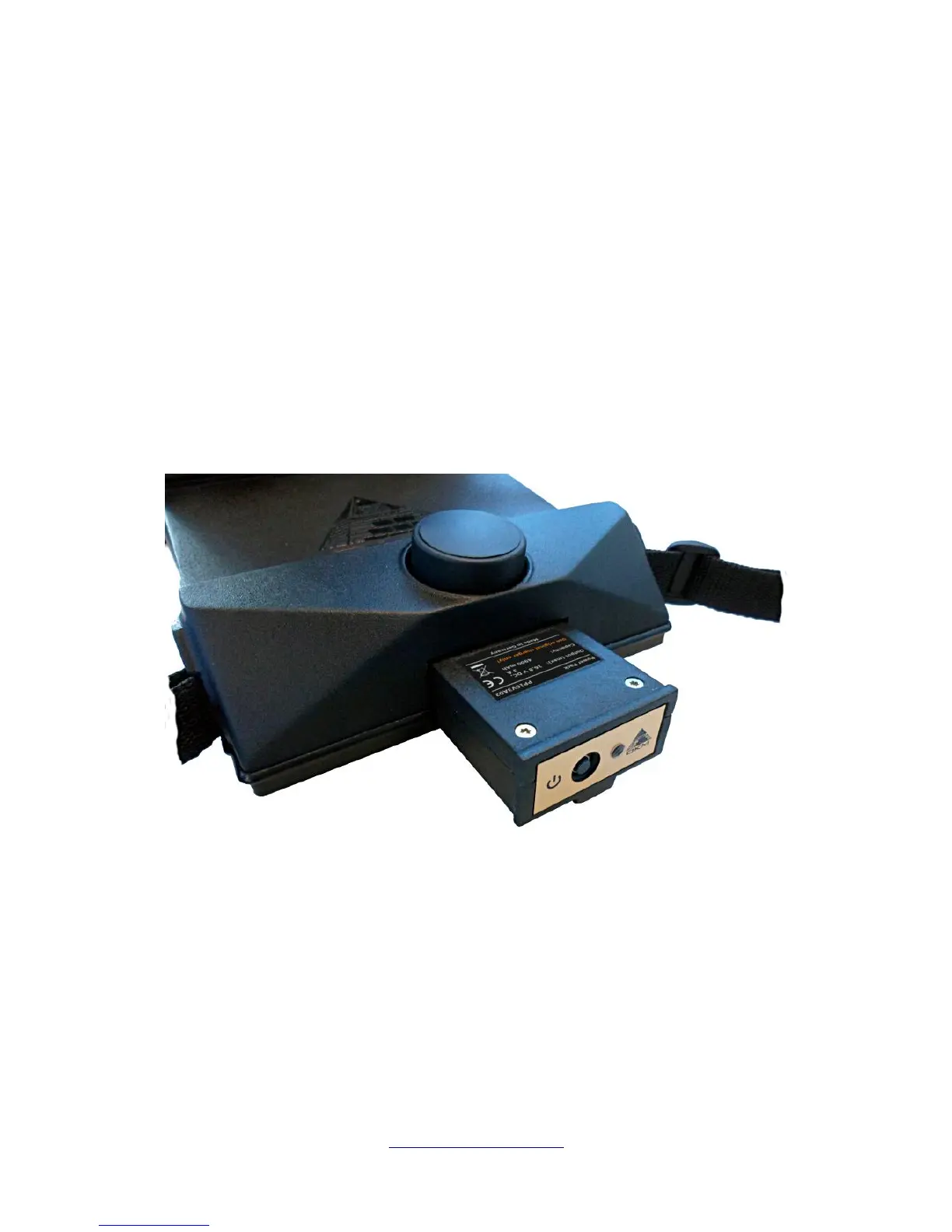
Place one of the fully charged Power Packs into the designated slot of the eXp 6000 control unit as
shown in figure 5.1.
Push it into the slot completely until it has locked. Then push the power on/off button on the front panel
of the Power Pack until the LED lights up. After a short while the boot up screen will appear on the
display of the control unit.
You will carry the eXp 6000 control unit around your neck. Additionally you can fix the whole unit with
the belt strap around your body.
Adjust the display angle according to your personal preferences.
OKM GmbH
www.okmmetaldetectors.com



 To Next Page