24 Control Elements
The Start/Stop button is used to start a new measurement, run another scan line and stop the first
scan line in automatic mode.
The Probe mount is used to mount the probes to the telescopic rod assembly. Please make sure that all
connector pins and sockets are clean before assembly.
The Tie strap of the telescopic rod assembly can be used to fix the armrest to your arm for better hold.
Before you can power on your telescopic rod assembly you have to plug in a Power Pack into the
designated Slot for Power Pack. Then push the power on/off button of the Power Pack.
The Lock can be used to adjust the length of the telescopic rod assembly for your personal preferences.
4.5 Control Unit
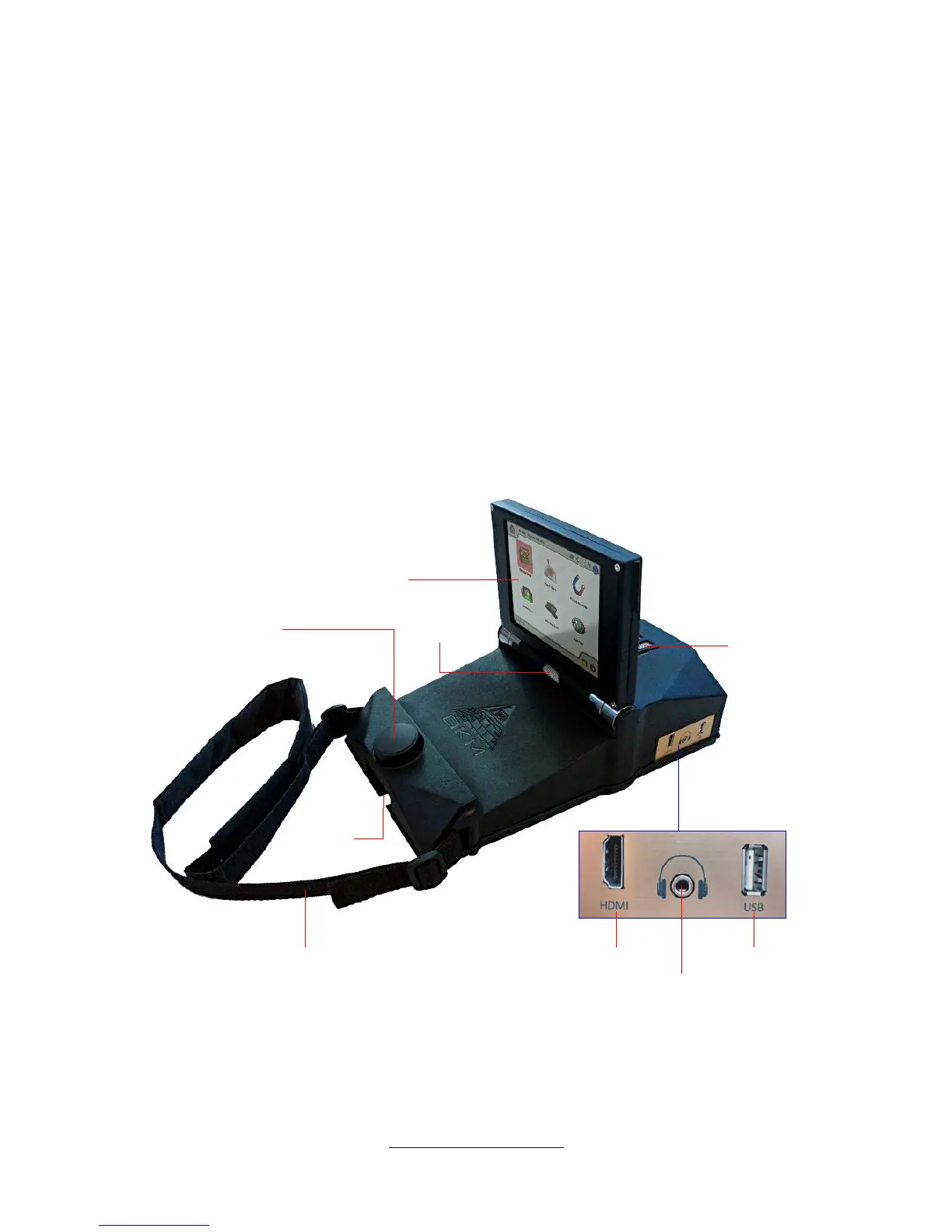
The control unit is the processing center of the eXp 6000. Via control unit, various functions can be
selected, all measured values can be recorded and stored. Figure 4.6 shows all important controls of the
control unit.
OKM GmbH
www.okmmetaldetectors.com



 To Next Page