60 Operating modes
• Brightness
If the brightness is not regulated automatically, you have to set it up by yourself manually.
Simply select your preferred level of brightness.
• Volume
Adjust your preferred level of volume here.
• Use GPS
Here you can enable or disable the internal GPS functionality. Set the checkmark to enable the
GPS. If GPS is enabled all position coordinates will be stored along with your scan data. In that
way you will be able to navigate to your scan field later on as described in section 6.8.5 “GPS
navigation“.
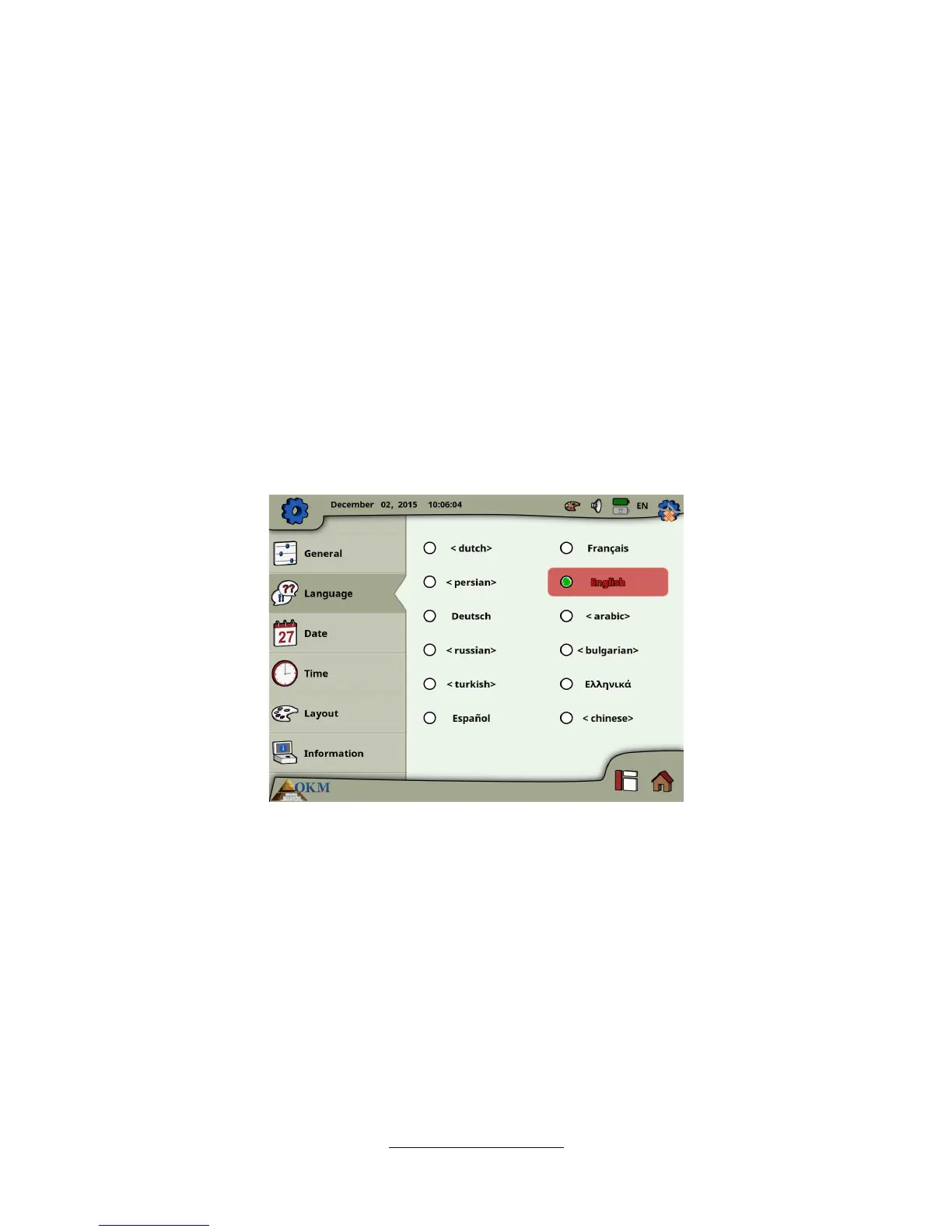
6.7.2 Language
The eXp 6000 control unit comes with a variety of different languages to make it as easy as possible to
operate the device and its functions.
Select your preferred language from the list. The following languages were available at the time this
manual was printed:
• German
• English
• French
• Spanish
• Italian
• Polish
• Norwegian
• Arabic
• Turkish
• Farsi
• Russian
• Bulgarian
• Greek
• Dutch
• Chinese
• Vietnamese
In the future more languages could be added to this list.
OKM GmbH
www.okmmetaldetectors.com



 To Next Page