Assembly & Preparation 33
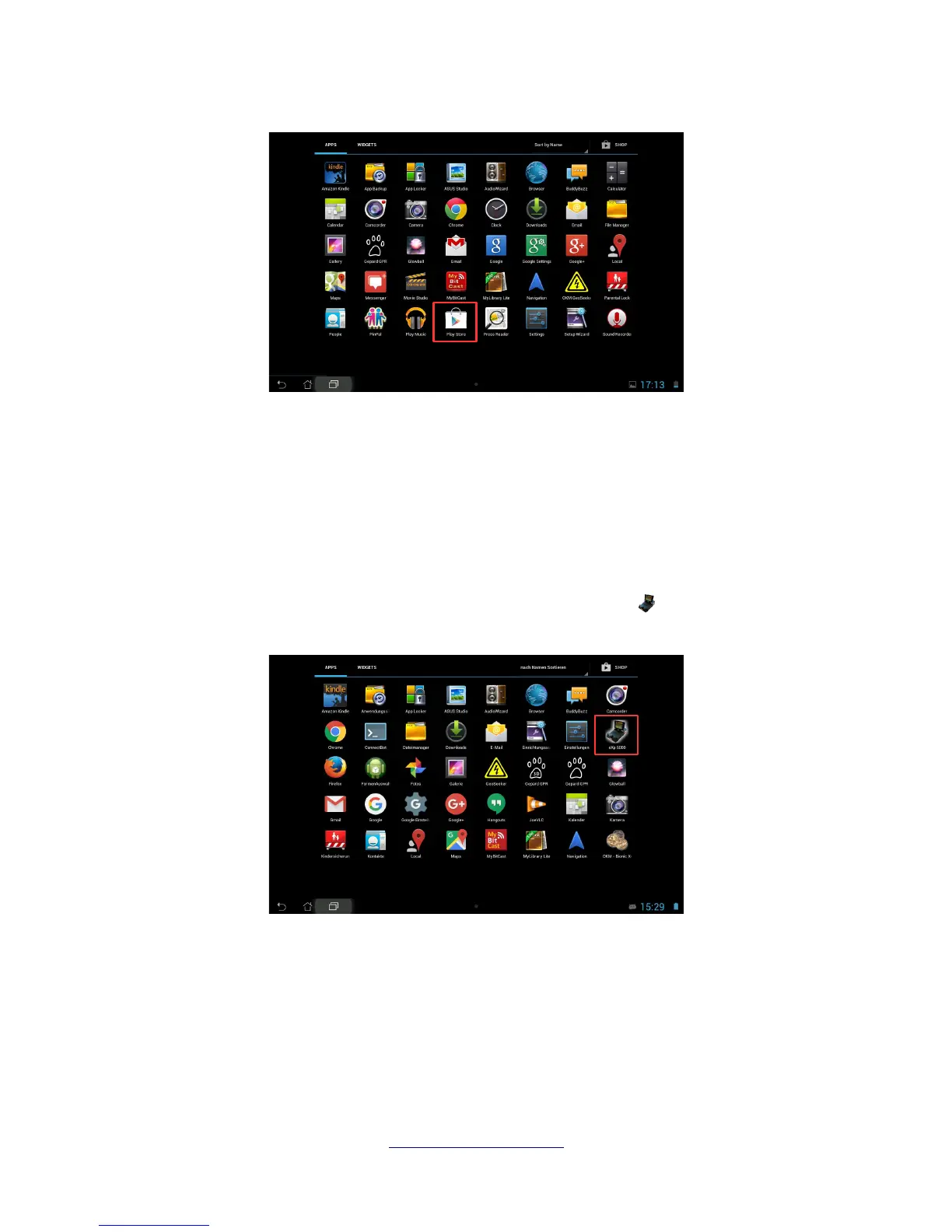
If you don't have any Google Account so far, you must create one to be able to download the eXp 6000
application. Simply follow the instructions on your Tablet PC to download and install the application. To
find the application in the Google Play market, simply search for “eXp 6000”.
After installation you have to first start the eXp 6000 control unit and then the Android application.
5.5.2 Run the Android application
Running the application is very simple. Find the eXp 6000 application icon in the applications menu
of your Android device and tap on it.
Please make sure the eXp 6000 control unit is powered on and running properly before tapping on the
applications icon to start the application. After a short moment the application connects to the control
unit and you will see the screen output of the eXp 6000 also on your Android device screen.
If you are using an Android Tablet PC with touch screen itself, you can use this as a replacement of the
eXp 6000 display. All touch events will be send to the control unit if that option is enabled in the settings
screen of the eXp 6000 according to section 6.7 “Settings” on page 58.
OKM GmbH
www.okmmetaldetectors.com
Figure 5.8: Installation of the application via Google Play Store
Figure 5.9: Android's application menu with eXp 6000



 To Next Page