Operating modes 61
6.7.3 Date
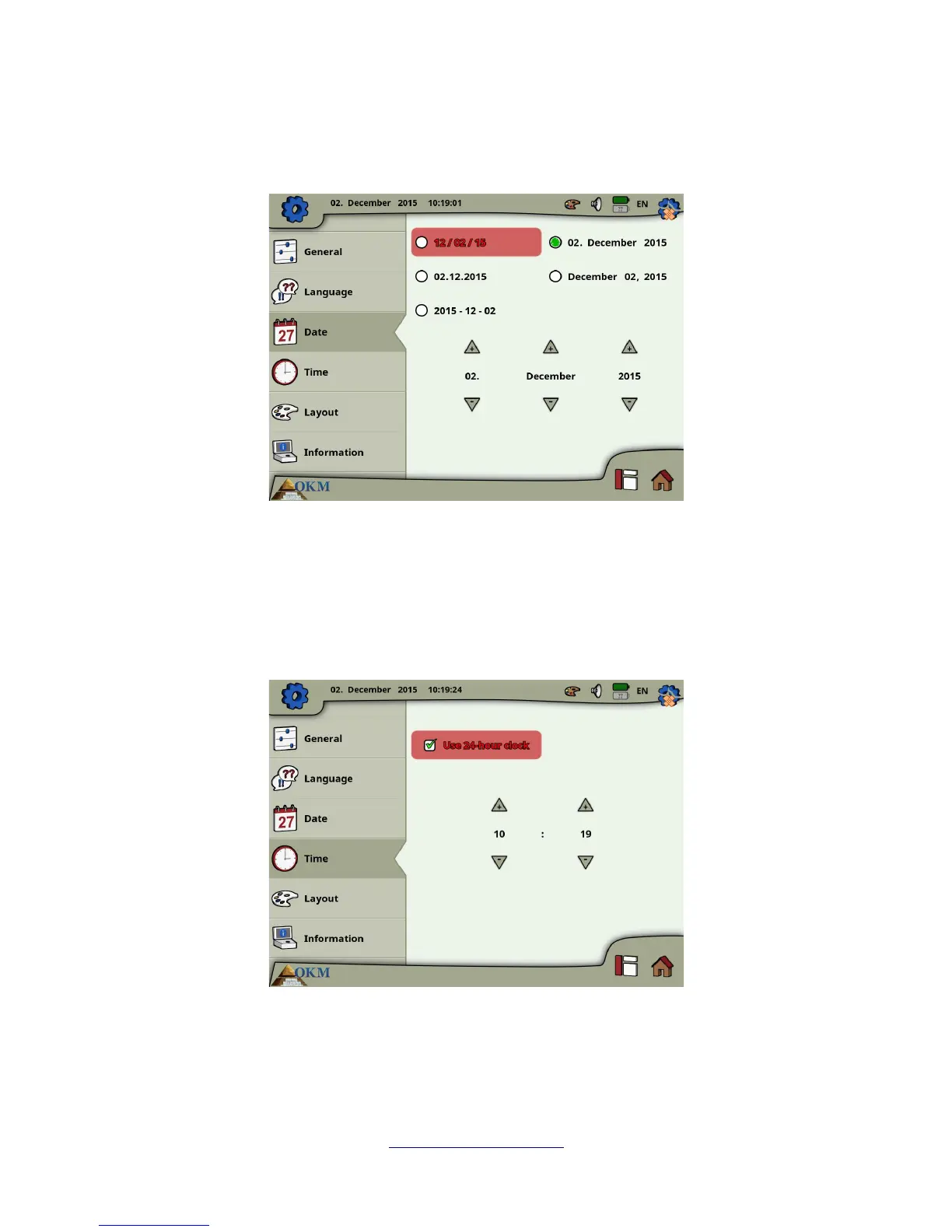
Here you can set all date information like format, day, month and year.
First you select one of the available date formats and then you adjust the day, month and year options to
your local time. This date will be used for naming files for saving.
6.7.4 Time
Here you can set all time information like format, hour and minute.
First you select one of the available time formats and then you adjust the hour and minute options to
your local time. This time will be used for naming files for saving.
OKM GmbH
www.okmmetaldetectors.com



 To Next Page