Operating modes 53
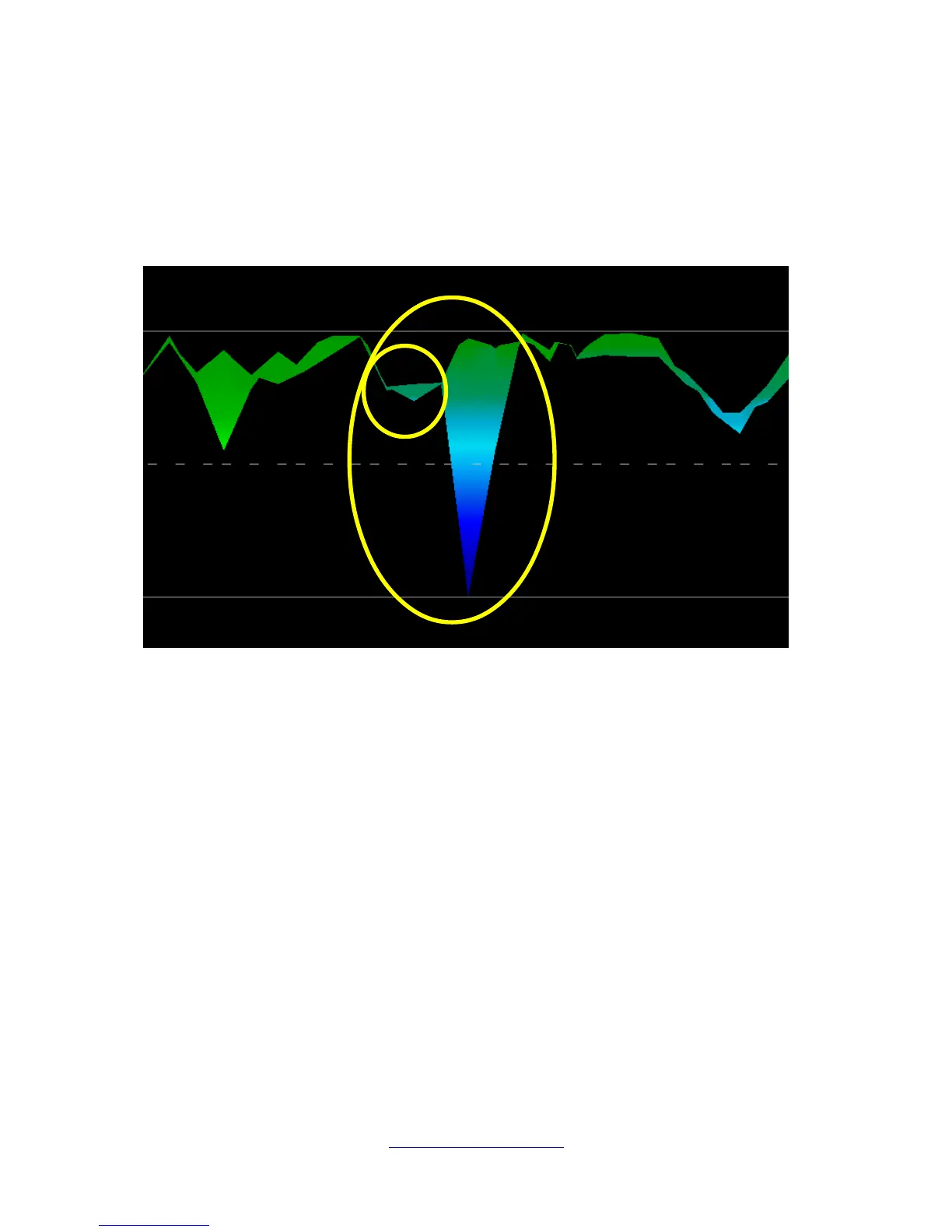
Another signature to look for is the signature showing the presence of a non-ferromagnetic substance,
like in the example below (Figure 6.17: Example showing the typical signal of non-ferrous metal). The
scan image needs to be viewed from the side view. Click on the “Minimize the difference in height” in
order to be able to fit the scan on the screen. If the values are too high then noticing the differences will
not be possible.
In the above example, the smaller area is attached to the larger area, this is very typical and occurs
quite often when working with minerals located within hard rock.
After an initial area has been located, to determine the size of the field or potential mineral field then a
conventional scan as stated in section Ground Scan on page 38 needs to be conducted. When
conducting a conventional scan be very careful to not rotate the antenna. Rotational errors are very
easily done and can be frustrating. By using the “Parallel” the rotational factor is greatly minimized and
almost removed. Another key factor when conducting any of the scans is to absolutely maintain the same
height as much as possible (± 3 cm).
OKM GmbH
www.okmmetaldetectors.com



 To Next Page