Operating modes 63
Anytime during the operation of the eXp 6000 you may touch the layout icon to open a dialog to
change the current skin immediately.
6.7.6 Information
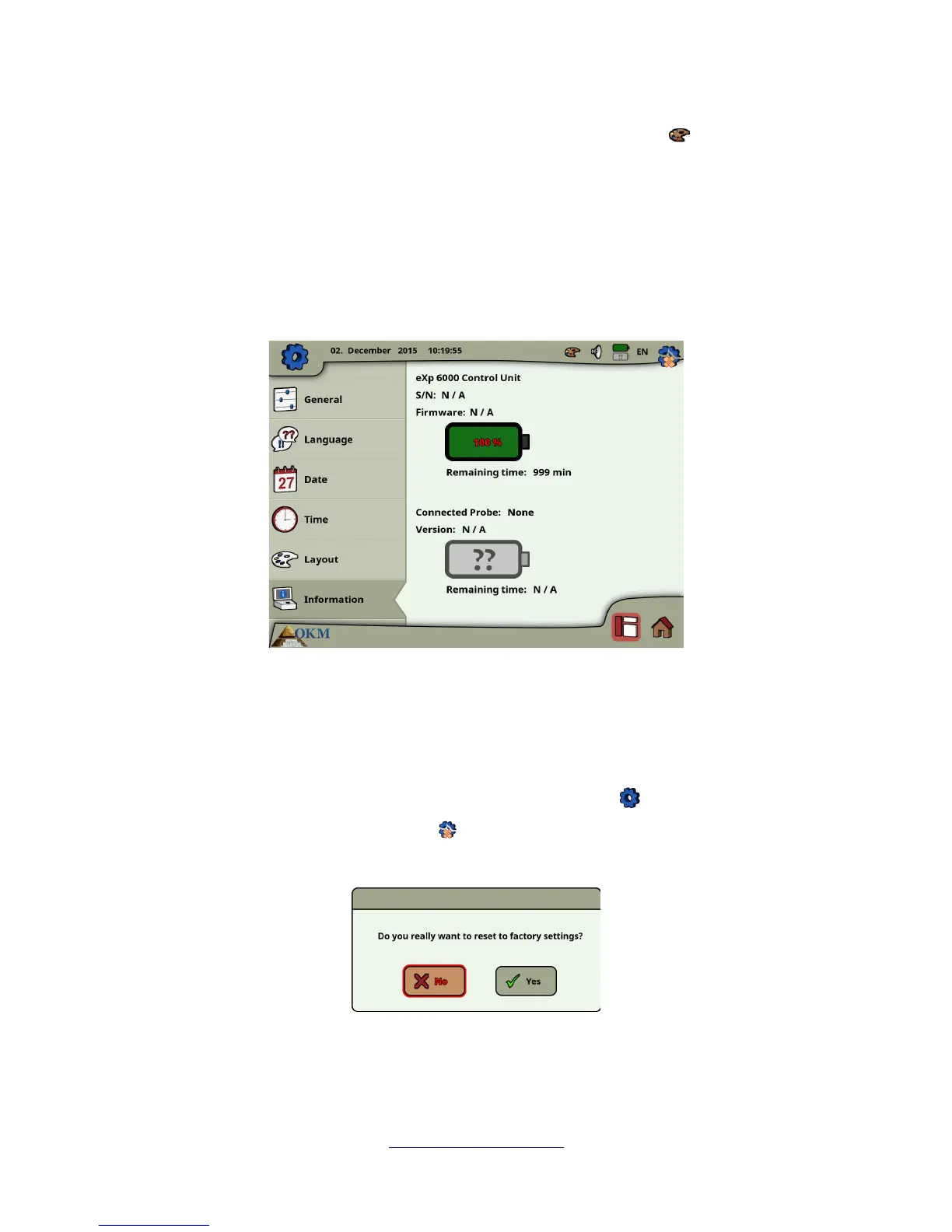
The information panel provides detailed information about the current firmware and software versions
of your eXp 6000 as well as information about the current charge conditions of the batteries. The battery
and status information of the probe or telescopic rod assembly are only available if an active wireless
connection has been established.
The firmware and serial information could be helpful in case of technical questions to OKM's support
team.
6.7.7 Restore factory defaults
As soon as you've entered the settings screen the original settings icon in the top right corner has
changed into a restore factory defaults icon . After selecting this new icon the message box from
figure 6.29 appears.
Confirm with “Yes” to reset all options to the factory defaults. All your personal settings will be lost after
that.
OKM GmbH
www.okmmetaldetectors.com



 To Next Page