Operating modes 57
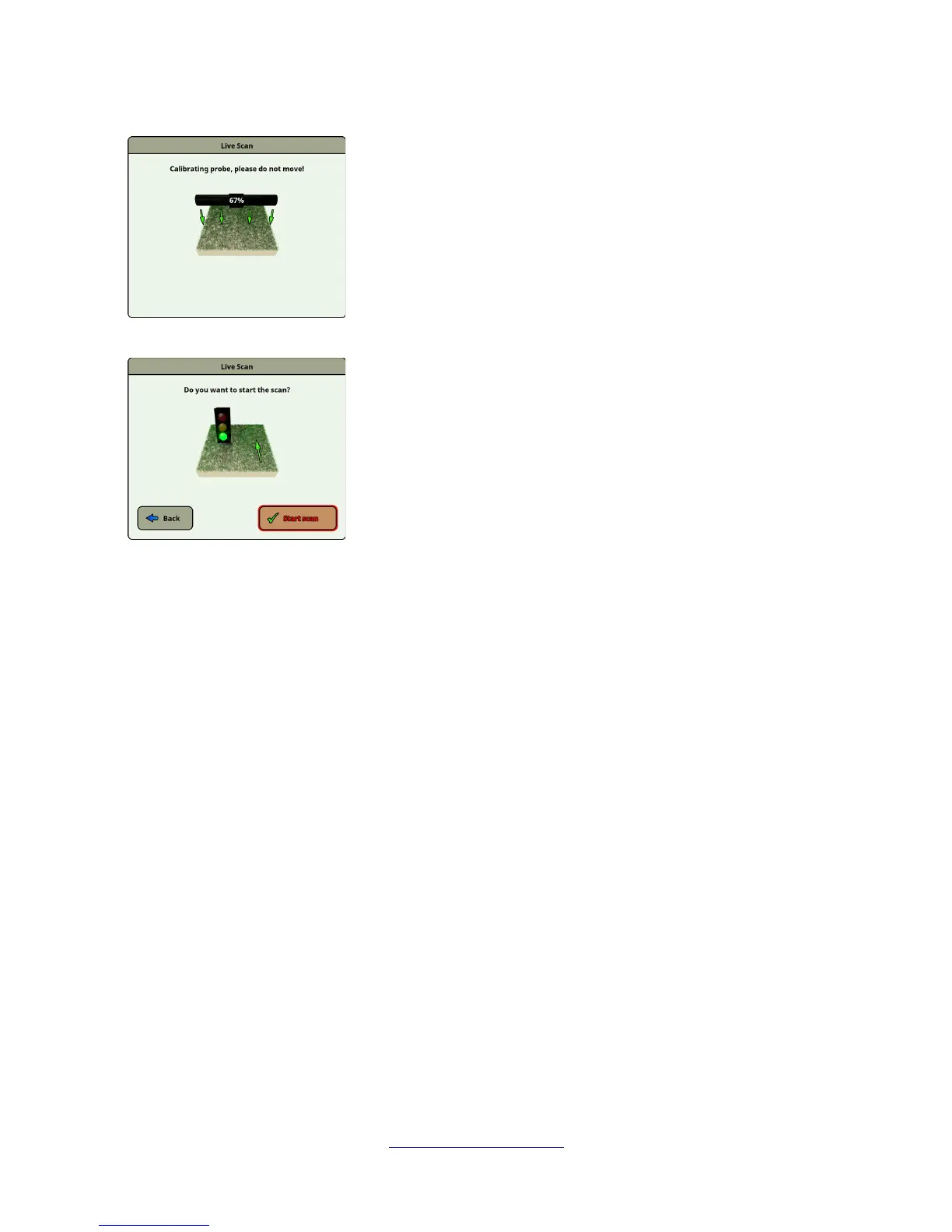
Now the eXp 6000 calibrates your measuring probe according to the
current underground to receive optimal data afterwards.
Please do not move your probe during this procedure.
The progress indicator informs you about the process. Normally it will
just take some seconds to finish the calibration.
After the calibration has been processed the eXp 6000 ground
scanner is ready to start the measurement. Now you have to go to
your starting point and push the "Start scan" button.
Alternatively you can also push the start button on the telescopic rod
assembly or the multi-function control knob on the control unit.
Now you should walk a straight line that can be forward, backward or even in both directions. All
measured data will flow over the screen (from top to bottom), even when you are not moving. The
measured values are updated constantly. If you are situated right over a target it will be visible on
screen.
OKM GmbH
www.okmmetaldetectors.com



 To Next Page