11-12
Appendix > Character Entry Method
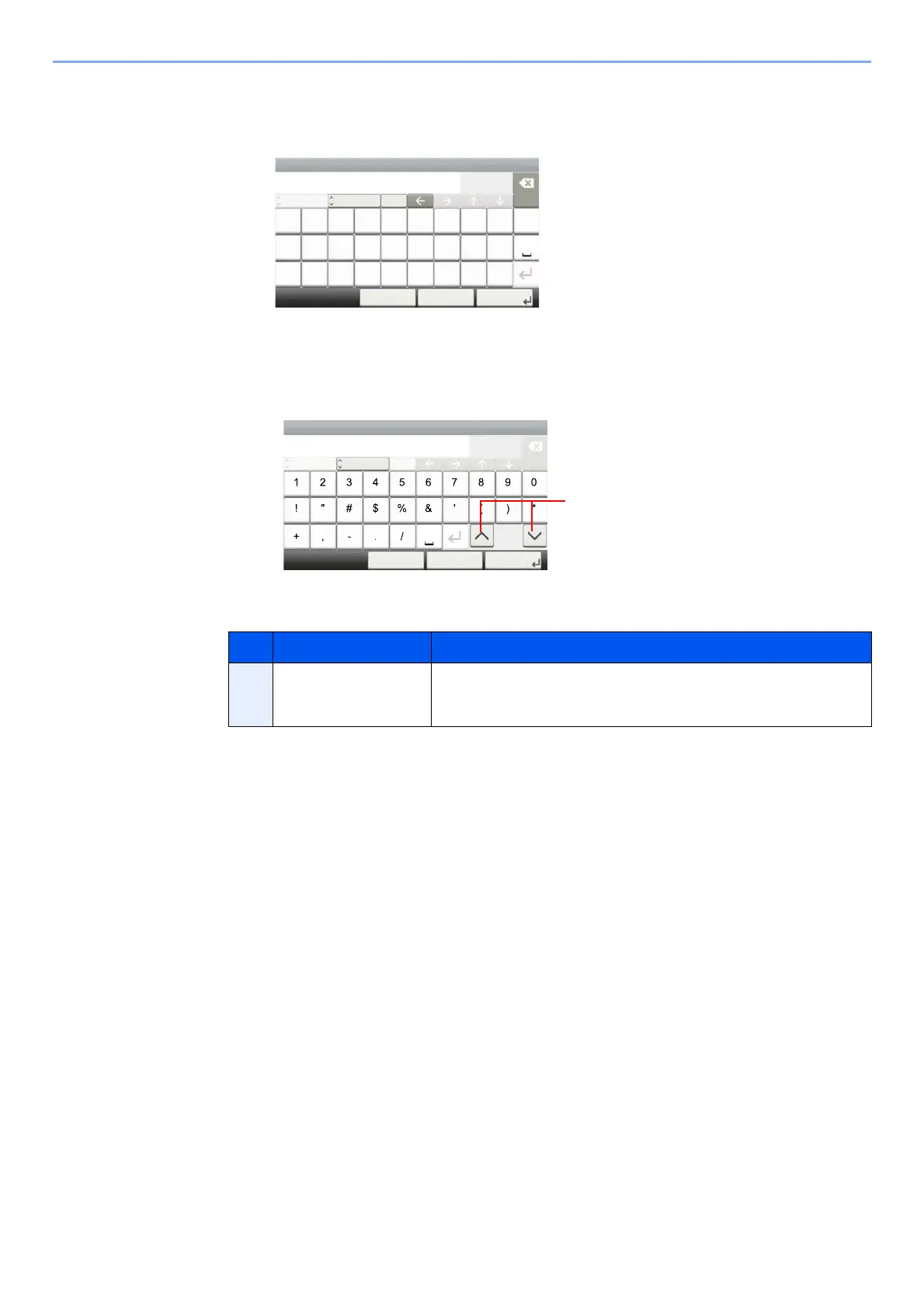
Upper-case Letter Entry Screen
Number/Symbol Entry Screen
No. Display/Key Description
13 []/[] To enter a number or symbol not shown in the keyboard, select the
cursor key and scroll the screen to view other numbers or symbols to
enter.
Input:
Limit:
< Back Next >Cancel
AB
Del.
2
32
ABC
A/a
QWE R T Y U I O P
ASDFGHJKL
_~ZXCV BNM
Add - Name
Input:
Limit:
Symbol Del.
3
32
< Back Next >Cancel
Add - Name
123
─









 To Next Page