20
4.4 Setup
Clicking the Setup button on the Welcome page (see Figure 4.10) will provide access to
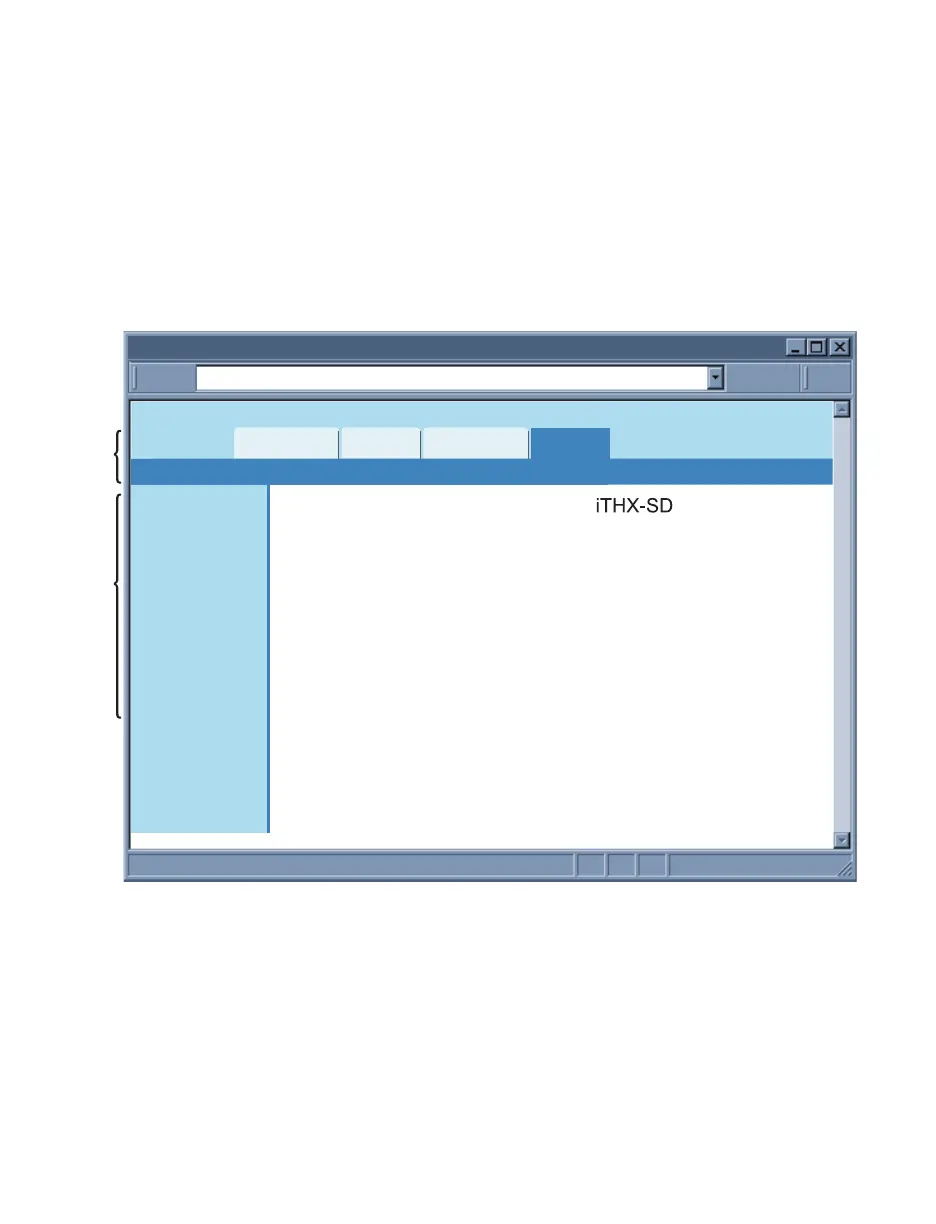
the Menu Panel (see Figure 4.12).
Using this Panel you can configure the iServer entirely.
4.4.1 Overview
Once the Administrator password is entered, the Overview page will appear which
provides a summary of important parameters within the iServer.
All the fields are read-only.
http://192.168.1.200Address
Overview
Readings
Chart
Web Link Setup
Overview
Network
Configuration
Management
Security
Recording
System
Diagnostics
Log Out
Model
Firmware Version
DHCP
MAC Address
IP Address
Subnet Mask
Gateway Address
Hostname
Ethernet Port
Web Server Port
Recording
Uptime
x.x
Disabled
00:03:34:00:b8:70
192.168.1.200
255.255.255.0
0.0.0.0
ithxb870
Auto
80
OFF
1 day, 00:00:00 hh:mm:ss
Figure 4.12 Overview



 To Next Page