46
4.8 Telnet Setup
With a telnet program, you can connect to the iServer using its IP address and TCP Port
2000. In Continuous mode (refer to Configuration:Sensors page Section 4.4.3.2), the
telnet session will receive continuous data (temperature and humidity) from the iServer.
In Command mode, a command can be sent to query the iServer.
Refer to Section 4.9.1 for list of commands.
4.8.1 Telnet Connection
Telnet stands for Telecommunications Network, it is a protocol that provides a way for
users to connect to a node with a valid IP address anywhere on an Ethernet network or
the Internet . You can open a Telnet session using a terminal emulation programs like
Tera Term (downloadable from the internet), which is a free software for Windows.
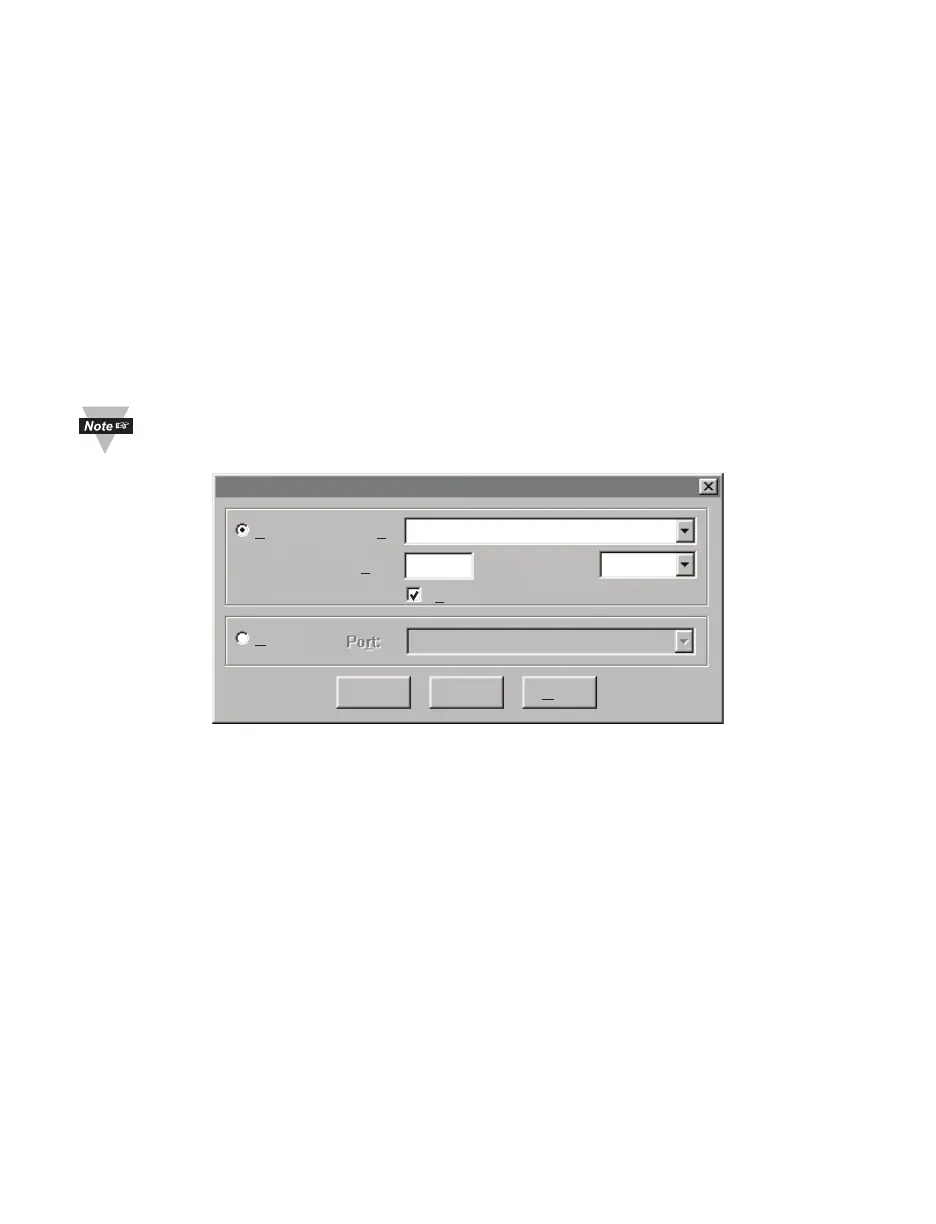
You can initiate a telnet connection by typing the IP address of the iServer, and Port
2002 for logging into the iServer’s telnet consol port (see Figure 4.36). By telneting to
Port 2000, you will be able to access temperature, humidity, and dew point readings.
The default password for Telnet Login is 00000000 and can be changed if
desired.
192.168.1.200
UNSPEC
Host:TCP/IP:
Serial:
2002TCP p
ort#:
Protocol:
COM1: Communications Port {COM1
Te
lnet
Tera Te rm: New Connection
Cancel H
elpOK
Figure 4.36 Tera Term Telnet Connection Screen
Once the connection is established you will be prompted for an Administrator Password
(default is 00000000). Telnet console port (2002) allows users to configure some
parameters within the iServer. Figure 4.38 shows the parameters that can be changed.
After connecting to the iServer, you can use the following commands to read, modify,
and get help.
p displays the current settings (Figure 4.37)
? displays all the available options as well as an example on how to enter a
command (Figure 4.38)
s set a new configuration (see the example in Figure 4.38), sending the
command c is required to permanently store the new settings
RESET restart the iServer
FACTORY set the iServer to it’s factory default, the RESET command is required after
the FACTORY command
c permanently store the new settings
q quit the telnet session



 To Next Page