21
4.4.2 Network
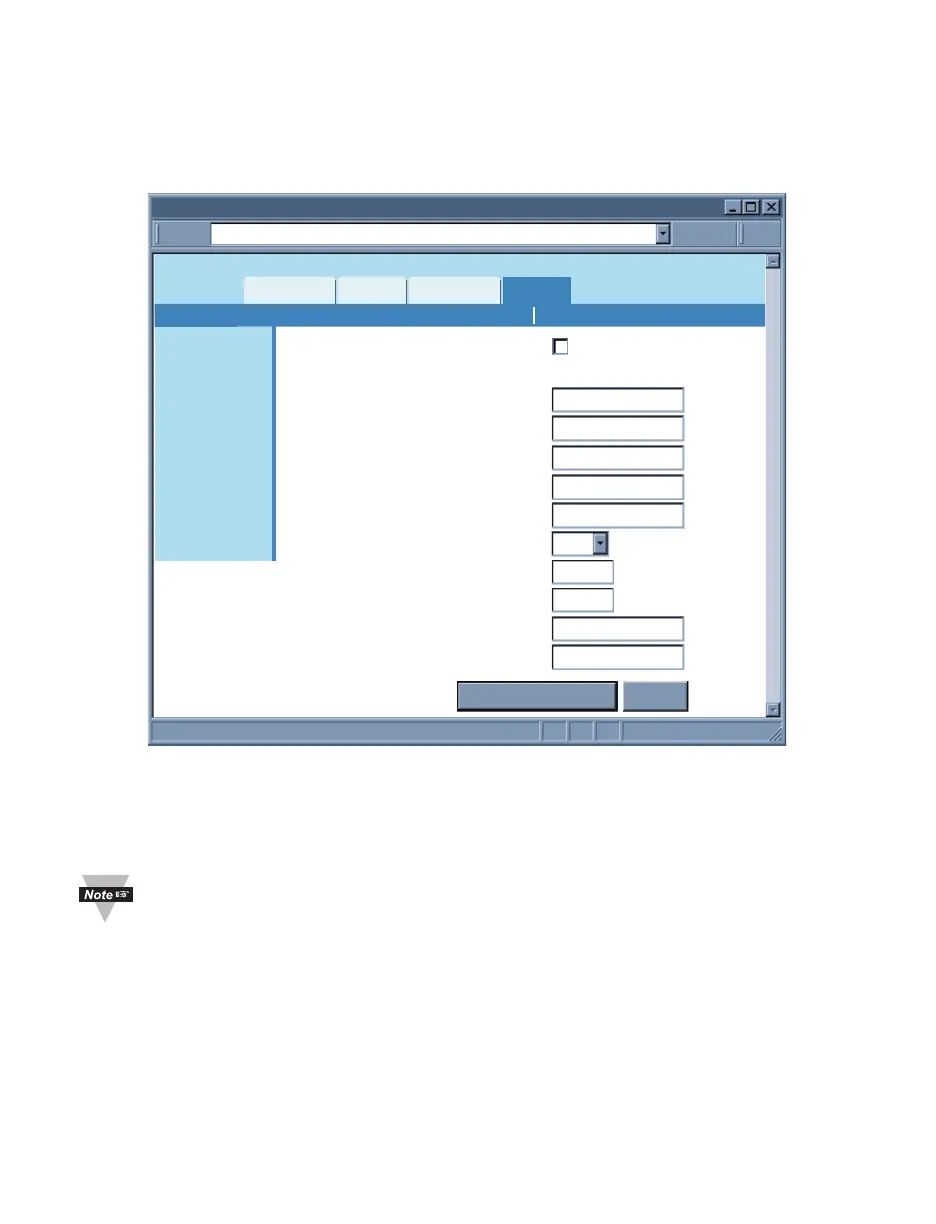
This menu provides network configurations including IP parameters and Ethernet
interface options. Fields are described below.
4.4.2.1 IP Configuration
http://192.168.1.200Address
Network
Readings
Chart
Web Link Setup
Overview
Network
Configuration
Management
Security
Recording
System
Diagnostics
Log Out
Save Changes Reset
DHCP
MAC Address
IP Address
Subnet Mask
Gateway Address
DNS Address
Host Name
Protocol
Local Port
Web Server Port
Web Link Title
Web Link Address
192.168.1.200
255.255.255.0
0.0.0.0
0.0.0.0
ithxb870
TCP
2000
80
WebLink
www.abc.com
IP Configuration Ethernet Port
00:03:34:00:b8:70
Figure 4.13 Network: IP Configuration
DHCP – If the box is checked the iServer will dynamically request an IP address, a
subnet mask, a gateway address, and a DNS address from the DHCP server. By default
the DHCP option is disabled. For more information about DHCP, see Section 3.3.
DHCP can be enabled by pressing and holding the two front buttons ºC/ºF and
TIME/IP during power-on (refer to Section 2.3).
MAC Address – This Indicates the hardware address of the iServer and it is non-
configurable. For more information about MAC Address, see Section 3.2.
IP Address – This indicates the IP address of the iServer. The iServer’s default IP
address is 192.168.1.200. When DHCP is enabled this field will be dimmed. Consult with
your IT department for obtaining an IP address.
Subnet Mask – It’s a 32-bit number that is used to determine which part of the IP
address is the network portion and which part is the host portion. When DHCP is enabled
this field will be dimmed. The iServer’s default Subnet Mask is 255.255.255.0. Consult
with your IT department for obtaining a subnet mask.



 To Next Page