34
4.4.6 Recording
This section includes all the parameters and settings for data recording, SD flash card
and recording status, data retrieval, and formatting the SD card.
Fields are described below.
4.4.6.1 Start Recording
http://192.168.1.200Address
Start Recording
Readings
Chart
Web Link Setup
Overview
Network
Configuration
Management
Security
Recording
System
Diagnostics
Log Out
Format SD CardStart Recording Status Data Retrieval
Interval(1-3600)seconds
yyyy/mm/dd
yyyy/mm/dd
Start Time
Stop Time
Start Date
Stop Date
hh:mm:ss(24 hours)
hh:mm:ss(24 hours)
Set Date and Time
Mon Tue Wed Thur Fri Sat Sun
Set Weekdays (only for scheduled recording)
Current Date: 2099/01/01 (yyyy/mm/dd) Current Time: 00:00:00
Continuous
Category
Wrap
Type
Quick Start Recording
Title
Start Recording
10
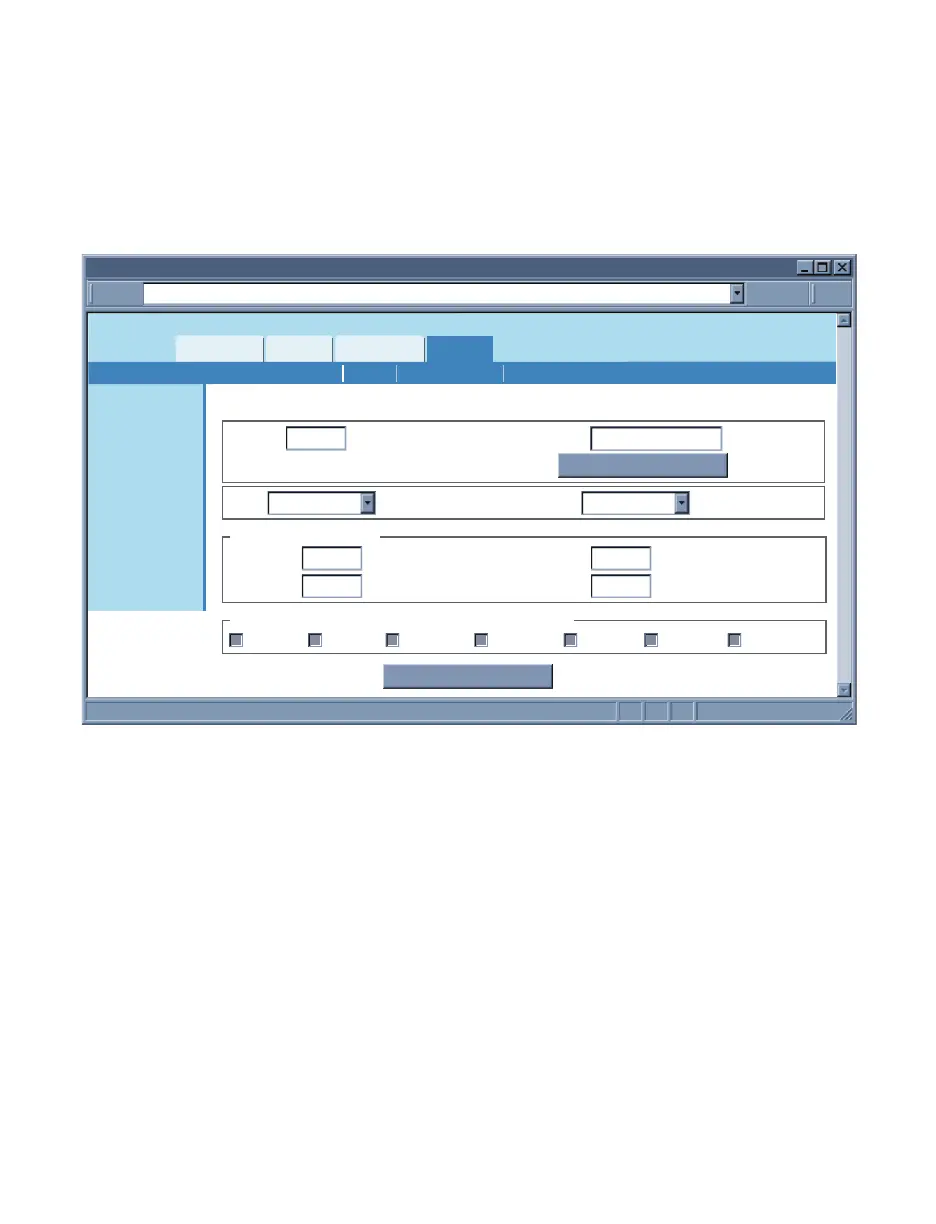
Figure 4.22 Recording Menu: Start Recording
Interval – This is the time interval between each data. It can be between 1 to 3600
seconds.
Title – This is the header for each recorded data file on the SD flash card.
Quick Start Recording – If this button is clicked recording will start immediately.
Make sure your Current Date and Time are correct.
Type – The options are Wrap and Non-Wrap.
If Wrap is selected once the SD flash card is full the iServer will delete the old data
stored on the card in order to record the new data. Each time a new recording takes
place an old record will be deleted.
If Non-Wrap is selected the iServer will stop recording once the SD flash card is full.



 To Next Page