63
Appendix G Java Runtime Environment Setup
If your computer does not have Java installed, please download from http://java.sun.com.
You can change the Java setting by clicking its icon in Control Panel. To load the applet,
you have to enable the web browser and disable cache.
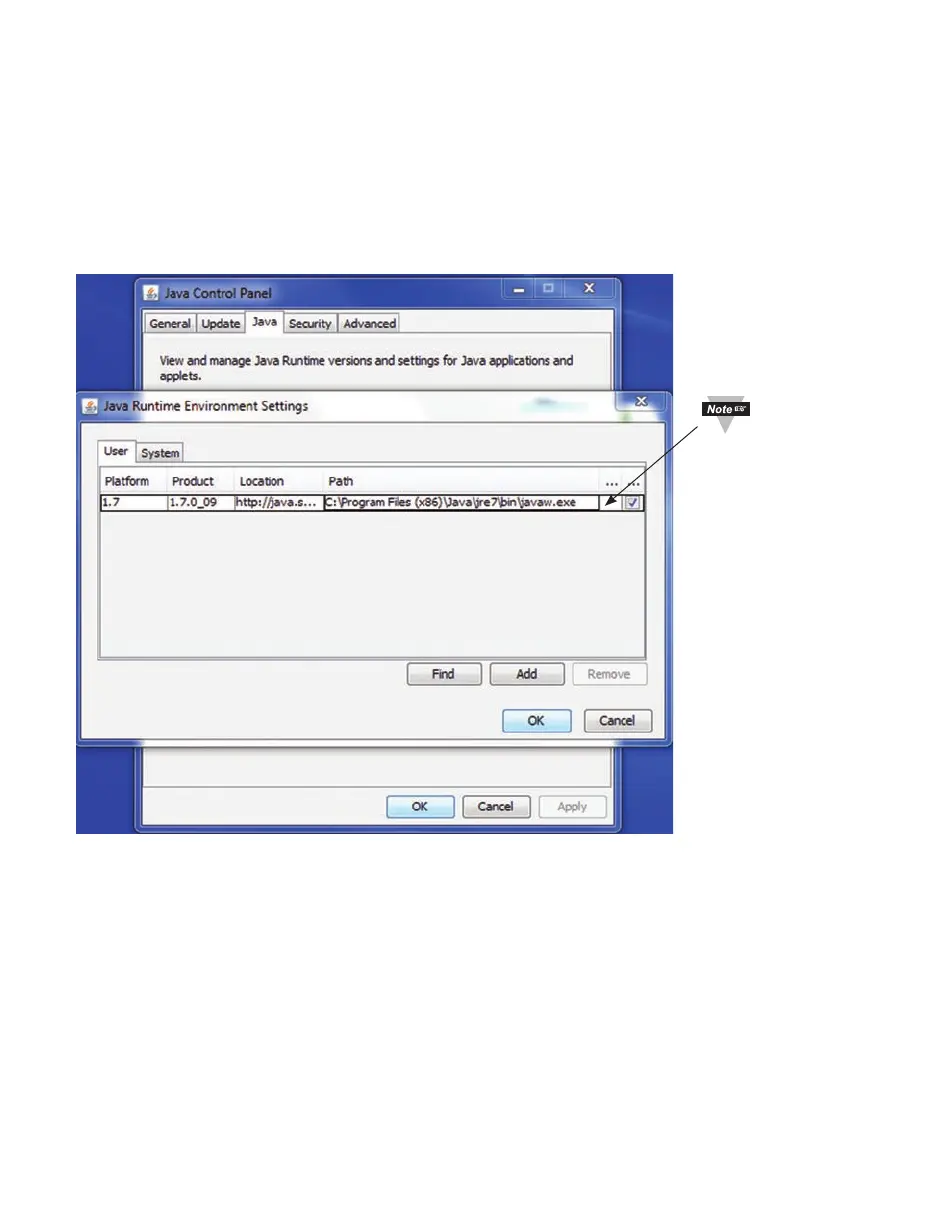
G.1 Java Runtime Environment 1.7 Setup instructions
1. Go to your computer’s Control Panel. Open the Java Plug-in
Figure G.1 Java 1.7 Screen Shot
Verify that
the path is
correct.



 To Next Page