27
4.4.3.3 Sensors (continued)
Offset – If it’s determined that the reading is slightly off, this field can be used to
manually assign a numerical value to adjust the reading. The offset can be a positive or
a negative number with one decimal point.
The temperature offset value must be assigned after the Unit (C or F) is selected.
If the unit of temperature is changed, you must reassign the offset value for the
correct result.
Sampling Rate – This determines the rate in which the iServer polls the probe for
temperature and humidity values. The options are 1, 10, and 60 seconds.
The default is set for 10 seconds.
The higher the sampling rate, the more accurate data is transmitted by the probe.
LCD Display – Probe to Display - This dropdown box is only available when Both
Probes are enabled (on Enabled Probes drop down box). If you only have 1 probe then
probe 2 will be shown as OPEN on the readings page, chart and recorded data.
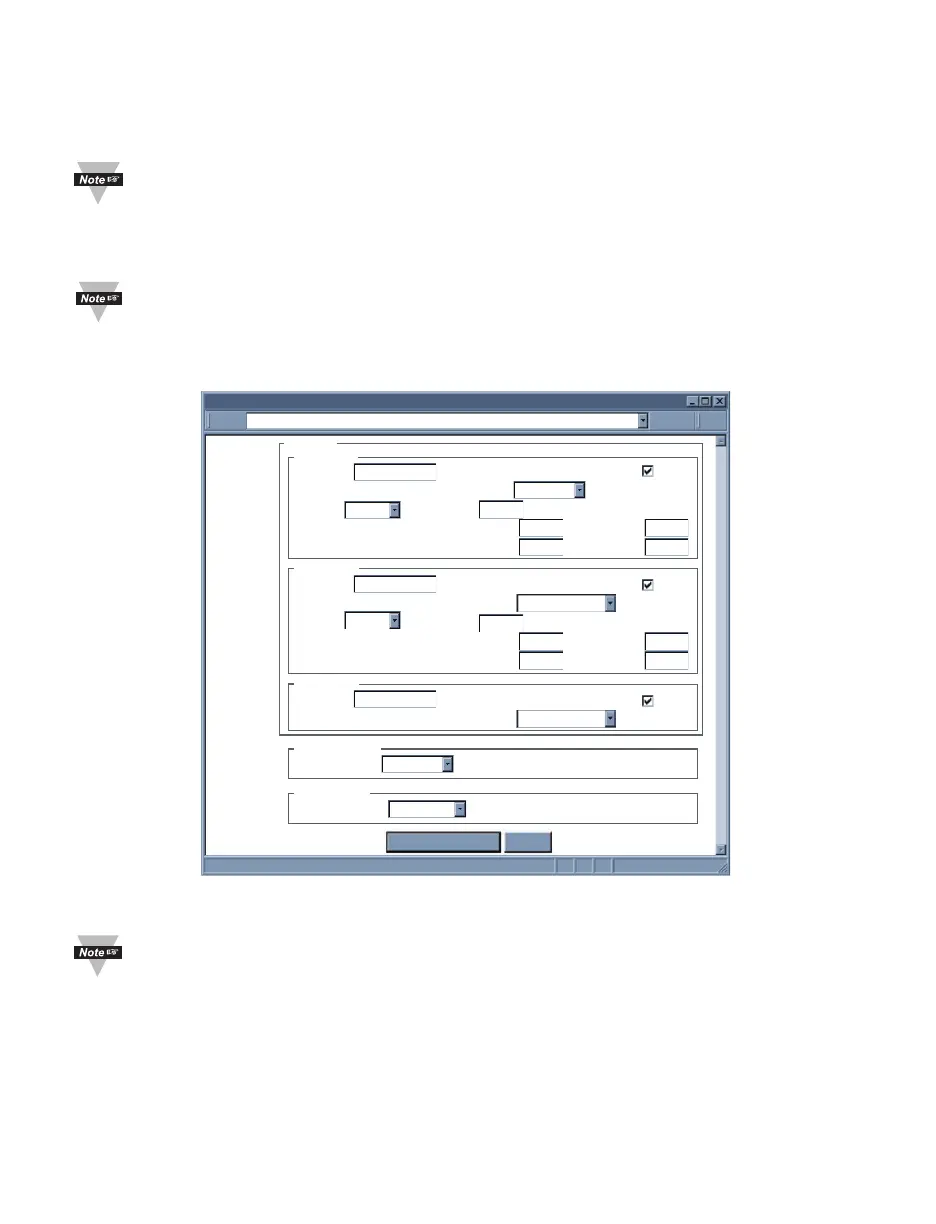
Figure 4.17b Configuration Menu: Sensors
4.4.3.4 Alarm Relays
This section would allow the two relays on the iServer to be configured as
needed. For physical connections and pin-outs refer to Section 2.6.
Relay 1 and Relay 2 – This configures the first and second relays on the iServer. The
options for each are temperature, humidity, and dew point. This means that both Relays
can be set for temperature or both Relays can be set for humidity, or one can be set for
humidity and one for temperature.
Description – This is a text field for naming the device connected to the relay or it could
be the location where the device is installed. This field can take up to 16 alphanumeric
characters. This name will be displayed anywhere on the web pages associated with
alarm relays; for example the Readings applet. Defaults are Alarm Relay1 and Alarm Relay2.
http://192.168.1.200Address
Sensors
Save Changes Reset
Description
End Character
Temperature 2
Unit Display
Data Format
Offset
Offset
Adjust by
Offset
Adjust by
Description
End Character
0x0A
0x0A
0x0A
C
Humidity 2
000.0C
Unit %
Data Format
One Sample per
1 second
0.0
Reading Low
0.0
Reading High
100.0
Ref. Low
0.0
Ref. High
100.0
Display
Offset
0.0
Reading Low 0.0
Reading High
100.0
Ref. Low
0.0
Ref. High
100.0
Sampling Rate
Probe To Display
Both Probes
LCD Display
Reading 1
Reading 2
H00.0%
Description
End Character
Dewpoint 2
Unit C
Data Format
Display
Reading 3
D000.0C
Probe 2



 To Next Page